Finish
AUDIO
286
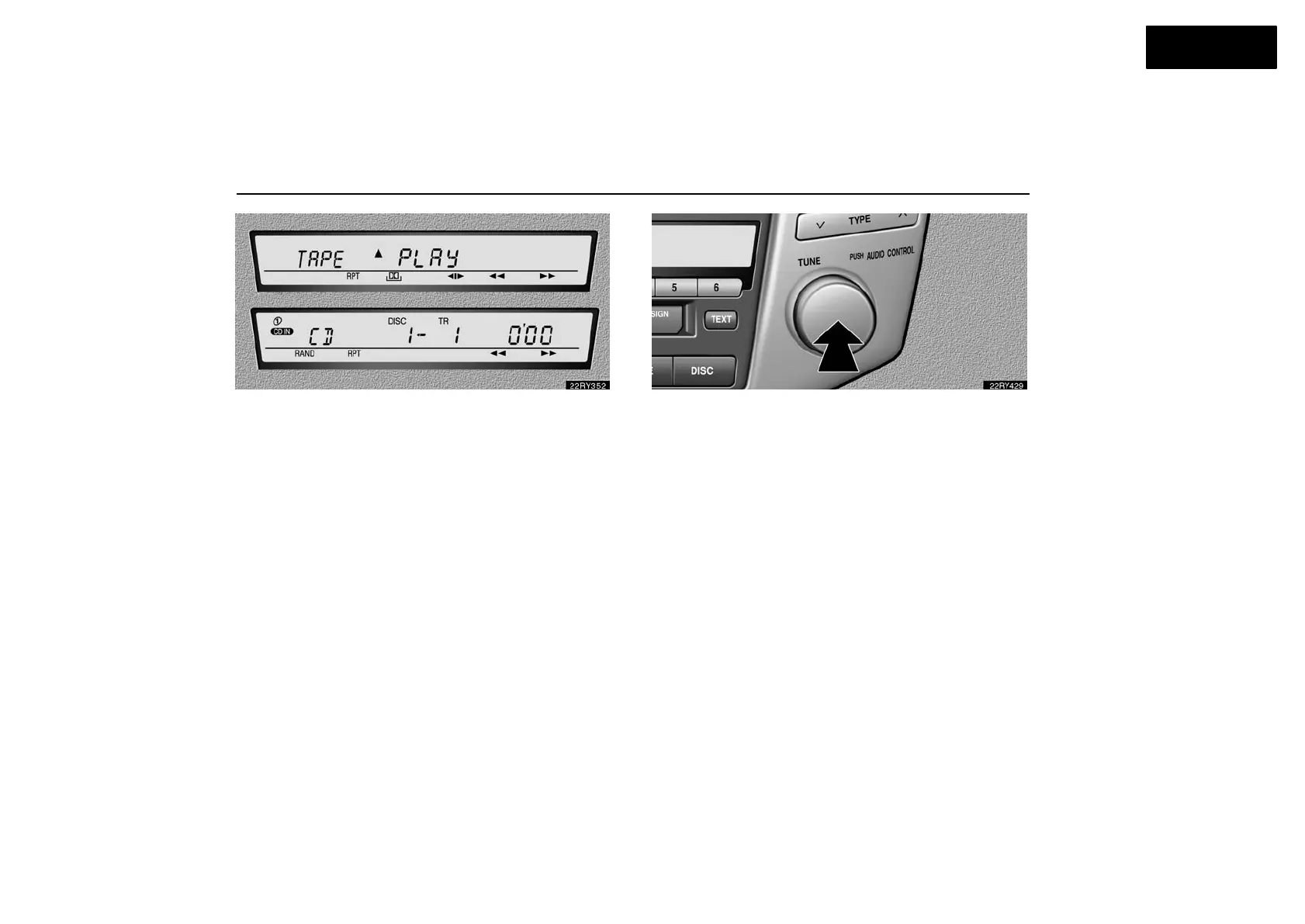
In the “TAPE” or “CD” mode, the applicable functions are
shown in the lowest part of the display. Push the switch
just below to turn on each function.
(b) Adjusting audio sounds
How good an audio program sounds to you is largely
determined by the mix of the treble, mid−range, and bass
levels. In fact, different kinds of music and vocal programs
usually sound better with different mixes of treble, mid−range
and bass.
Adjusting the sound balance and selecting the listening seat
position is also important for good an audio sound.
Keep in mind that if you are listening to a stereo recording or
broadcast, changing the sound balance or listening seat
position will increase the volume of one group of sounds while
decreasing the volume of another.
Each time you push the “AUDIO CONTROL” knob, the
mode changes as in the following.
POS: Select one of the following listening seat positions.
1: Front seats priority mode
2: Rear seat priority mode
3: All seats mode
4: Driver seat priority mode
BAS: Adjusts low−pitched tones.
MID: Adjusts mid−pitched tones.
TRE: Adjusts high−pitched tones.
FAD: Adjusts the sound balance between the front and rear
speakers.
BAL: Adjusts the sound balance between the right and left
speakers.
ASL: Turns on or off the Automatic Sound Levelizer.



 To Next Page