Finish
AUDIO
319
1
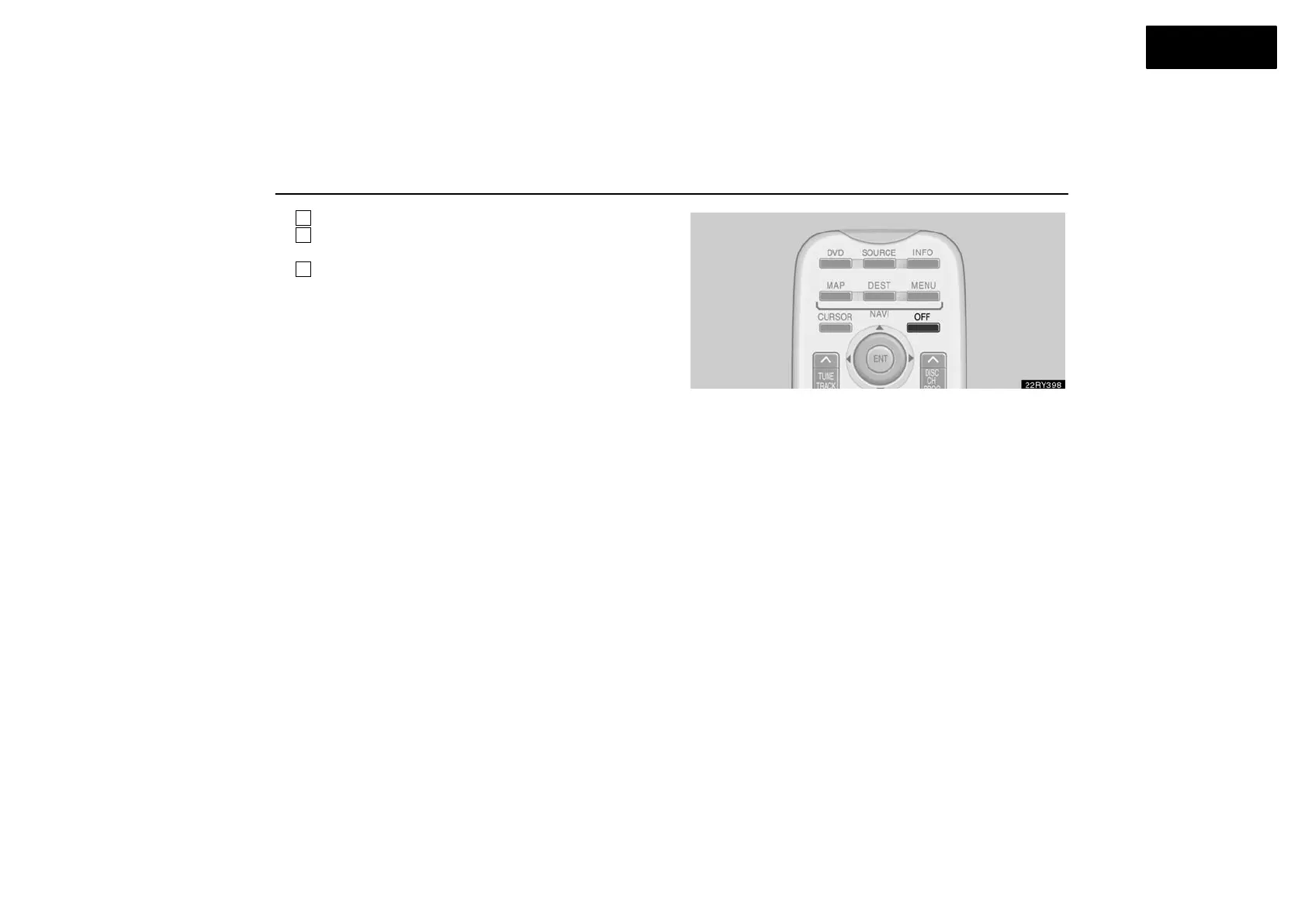
Remote control buttons (with navigation system)
2
Remote control buttons (without navigation
system)
3
DVD player unit
To turn on the system, push the “SOURCE” button.
The screen indicates which mode can be selected. Push the
“DVD” or “VIDEO” button when the connected DVD player or
your personal audio machine is on. The rear seat
entertainment system will be turned on.
The rear seat entertainment system can select all the modes.
When a cassette tape, a CD, a DVD video disc, an audio CD,
a video CD, a CD text, a dts−CD or a DVD audio disc is not
loaded on the front audio system or the DVD player, only the
radio mode can be selected on the rear seat entertainment
system.
To turn off the system, push the “OFF” button.
When the front audio system is turned off, the rear audio
system and the DVD player will be turned off simultaneously.



 To Next Page