Finish
AUDIO
324
(b) Manual program selection
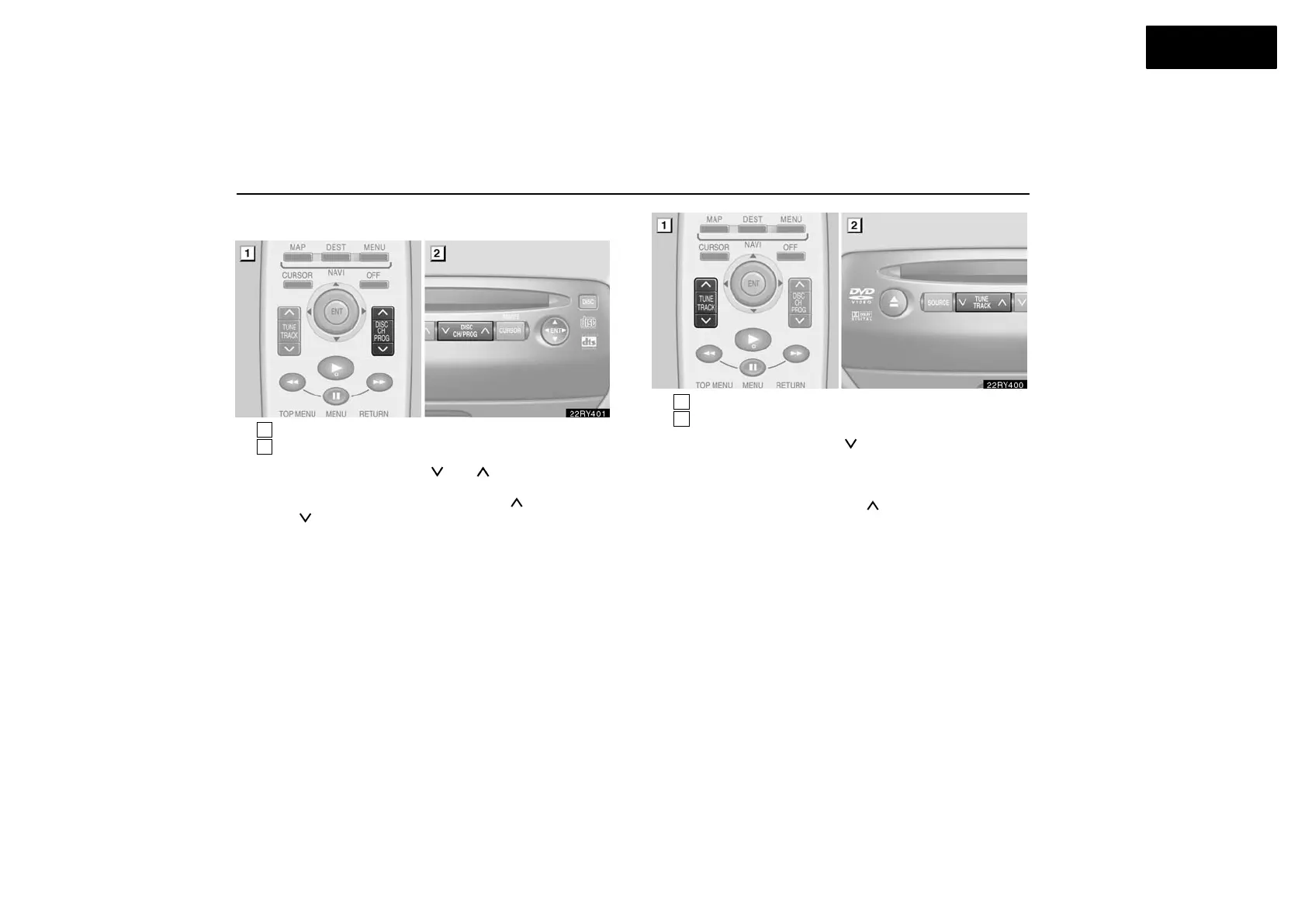
1
Remote control button
2
DVD player unit
“Program” button: Push the “
” or “ ” (DISC/CH/PROG)
button to select the other side of a cassette tape. The screen
indicates which side is currently selected. (“
” indicates the
top side, “
” indicates the bottom side.)
1
Remote control button
2
DVD player unit
“Rewind” button: Push the “
” (TUNE/TRACK) button to
rewind a tape. “REW” appears on the display.
To stop rewinding, push the same button.
“Fast forward” button: Push the “
” (TUNE/TRACK) button
to fast forward a cassette tape. “FF” appears on the display.
To stop fast forwarding, push the same button.



 To Next Page