126
4-1. Basic operation
4-1.Basic operation
The audio control screen can be
reached by the following methods:
Using the audio control switch
1 Press the “RADIO” or “MEDIA”
button.
Using the Remote Touch
1 Press the “MENU” button on the
Remote Touch, then select “Audio”.
12.3-inch display model: The audio
functions can also be displayed and
operated on the side display.
(P.36)
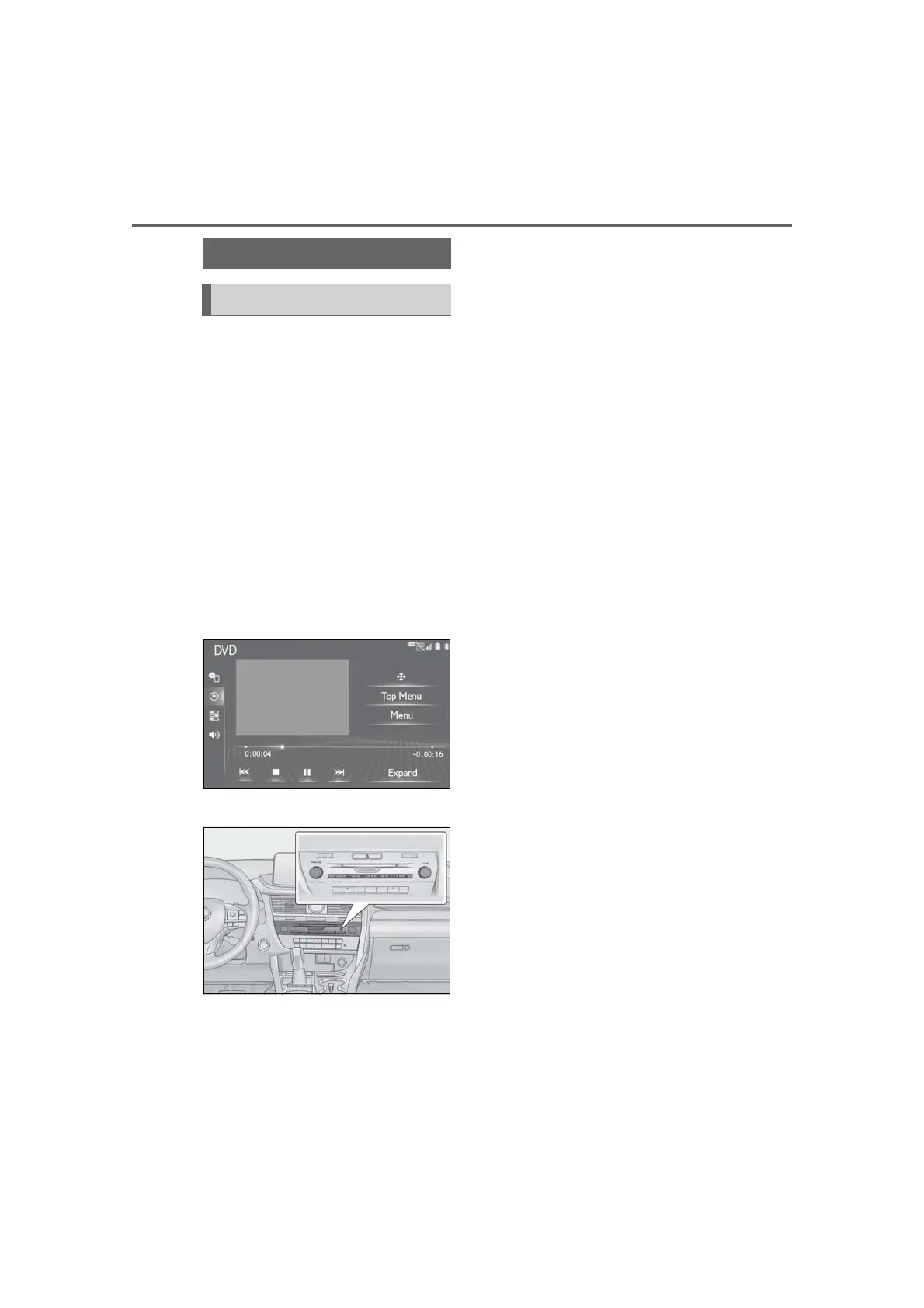
■ Control screen
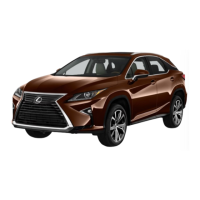
■ Audio control switch
•Using the radio (P.133)
• Playing an audio CD or
MP3/WMA/AAC disc (P.142)
• Playing a DVD
*1
(P.144)
• Playing a USB memory (P.147)
• Playing an iPod/iPhone (Apple Car-
Play
*2
) (P.149)
• Using the Android Auto
*2
(P.153)
• Playing a Bluetooth
®
device
(P.154)
•Using the AUX port (P.158)
• Using the steering wheel audio
switches (P.159)
• Audio system settings (P.161)
*1
: 12.3-inch display model
*2
: This function is not available in some
countries or areas.
Quick reference
Functional overview



 To Next Page