25
1-2. Navigation operation
1
Quick guide
*
: With navigation function
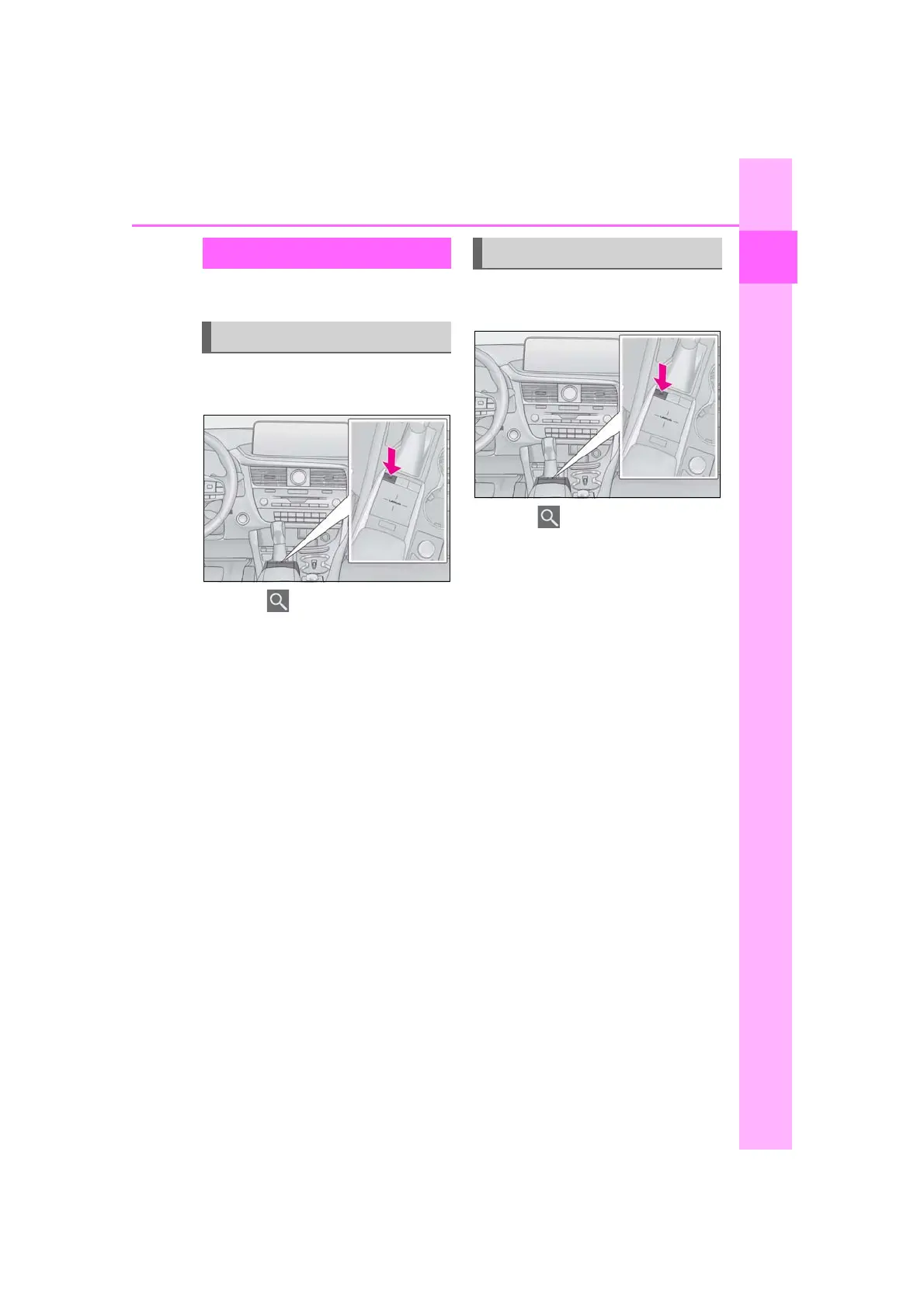
1 Press the “MAP” button on the
Remote Touch.
2 Select .
3 Select “Home”.
4 Select “Yes”.
5 Select “Address” (P.94) or “Cur-
rent Location” to search for your
home.
6 Select “OK”.
Registration of home is complete.
• Registering home in a different way
P.109
• Editing the name, location and icon
P.109
• Setting home as the destination
P.92
1 Press the “MAP” button on the
Remote Touch.
2 Select .
3 Select “Home”.
4 Select “OK”.
Selecting routes other than the one
recommended (P.100)
Guidance to the destination is dis-
played on the screen and can be
heard via voice guidance.
Registering home
*
Registering home
Setting home as the destination



 To Next Page