85
3-1. Basic operation
3
Navigation system
1 Select on the map screen.
2 Select the desired items to be dis-
played.
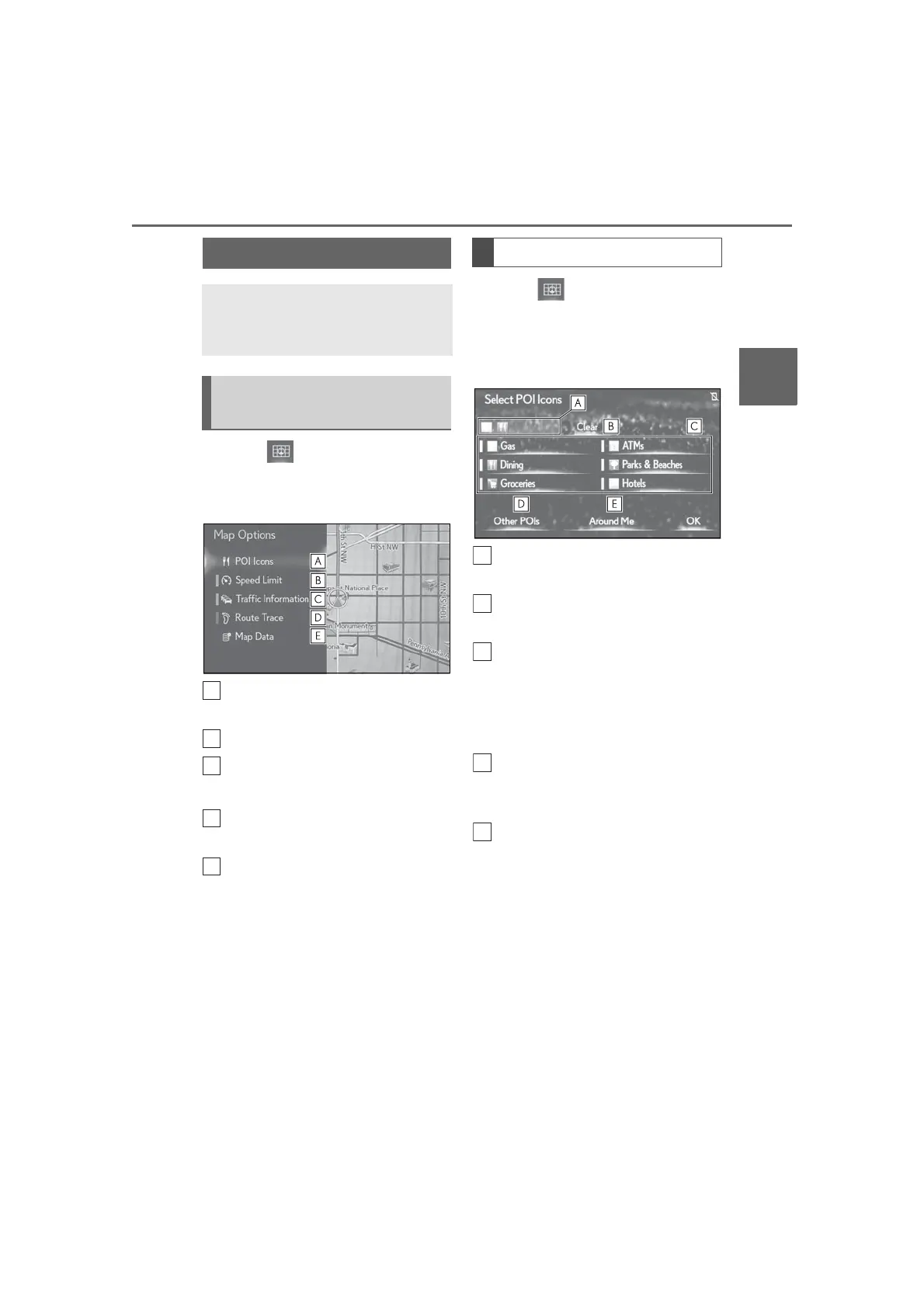
Select to select or change POI
icons. (P.85)
Select to display speed limit icon.
Select to display traffic informa-
tion.
*
(P.89)
Select to display route trace.
(P.86)
Select to display the map version
and coverage area. (P.123)
*
: This function is not available in some
countries or areas.
1 Select on the map screen.
2 Select “POI Icons”.
3 Select the desired POI category
and select “OK”.
Displays up to 5 selected POI
icons on the map screen.
Select to cancel the selected POI
icons.
Displays up to 6 POI icons as
favorite POI categories. (P.114) If
a POI category is selected to be
displayed on the map, its icon will
be displayed above.
Select to display other POI catego-
ries if the desired POIs cannot be
found on the screen.
Select to search for the nearest
POIs. (P.86)
Map screen information
Information such as POI icons,
route trace, speed limit, etc. can be
displayed on the map screen.
Displaying the map options
screen
Selecting the POI icons



 To Next Page