84
3-1. Basic operation
Distance from the current position
to the cursor mark
Select to register as a memory
point. To change the icon, name,
etc.: P.109
Select to set as a destination.
(P.98)
Press the “MAP” button on the
Remote Touch to return to the cur-
rent position.
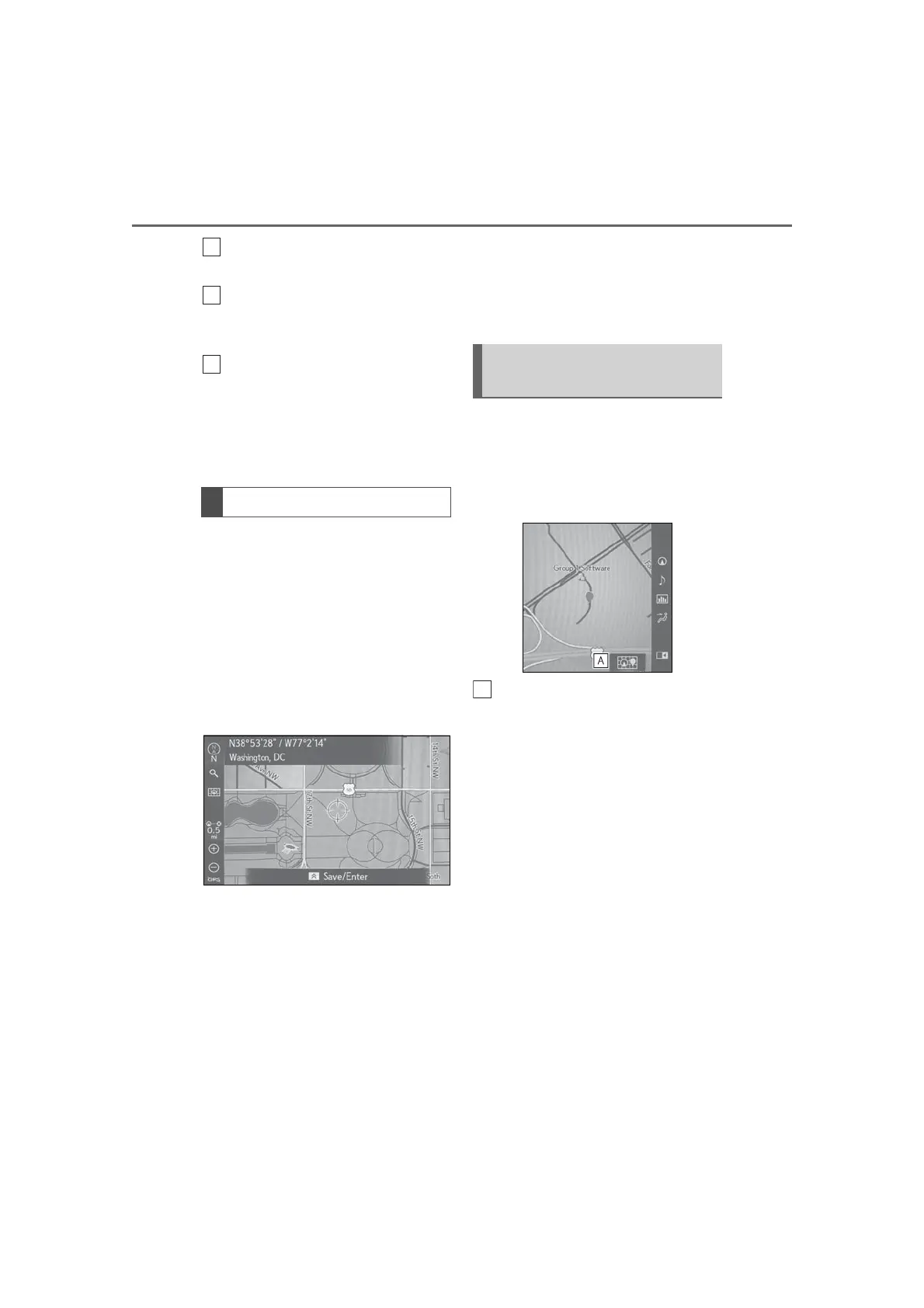
The map screen can be moved to drag
or flick the touchpad on the Remote
Touch. To activate drag/flick operation,
“Map Flick” is required to be “On”.
(P.113)
1 Select the desired point on the map
screen.
2 Use flick or drag operations on the
touchpad to scroll the map.
The following buttons can be dis-
played.
“Save”: Select to register as a memory
point. To change the icon, name, etc.:
P.109
“Enter”: Select to set as a destination.
“Go”: Select to delete the existing destina-
tion(s) and set a new one.
“Add to Route”: Select to add a destination.
Press the touchpad again, the
switches on the display can be
selected.
When the list screen is displayed (such
as when searching for destinations,
etc.), the point currently being selected
on the list screen is displayed on the
side display.
Select the map to switch it between
displaying only the area around the
destination and the area from the
current location to the destination.
Flick scroll operation
Displaying the point searched
for



 To Next Page