22
1-1. Basic function
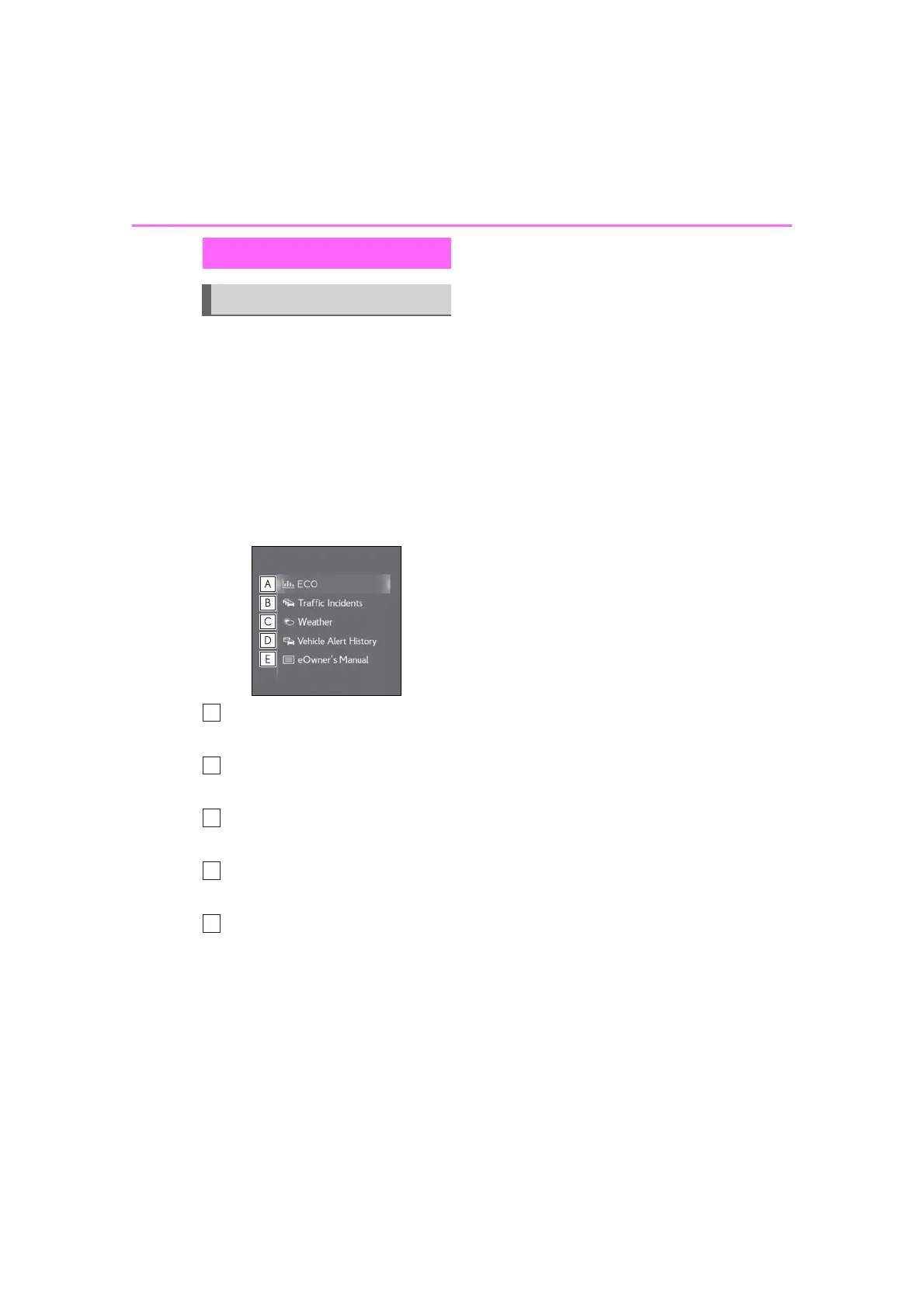
The information screen can be
reached by the following methods:
1 Press the “MENU” button on the
Remote Touch.
2 Select “Info”.
Move the cursor over the sub menu
icon to display the information
screen.
3 Select the desired item.
Select to display the energy moni-
tor
*1
or fuel consumption screen.
*2
Select to display traffic informa-
tion.
*3, 4
(P.89)
Select to display weather informa-
tion.
*3, 4
(P.194)
Select to display the vehicle alert
history.
*4
Select to display the “eOwner’s
Manual” screen.
*5
*1
: Vehicles with hybrid system
*2
: Refer to the “OWNER’S MANUAL”.
*3
:With navigation function
*4
: This function is not available in some
countries or areas.
*5
: Refer to the “eOwner’s Manual”.
Information screen
Information screen



 To Next Page