48
2-2. Connectivity settings
● Certification
Bluetooth is a registered trademark of
Bluetooth SIG, Inc.
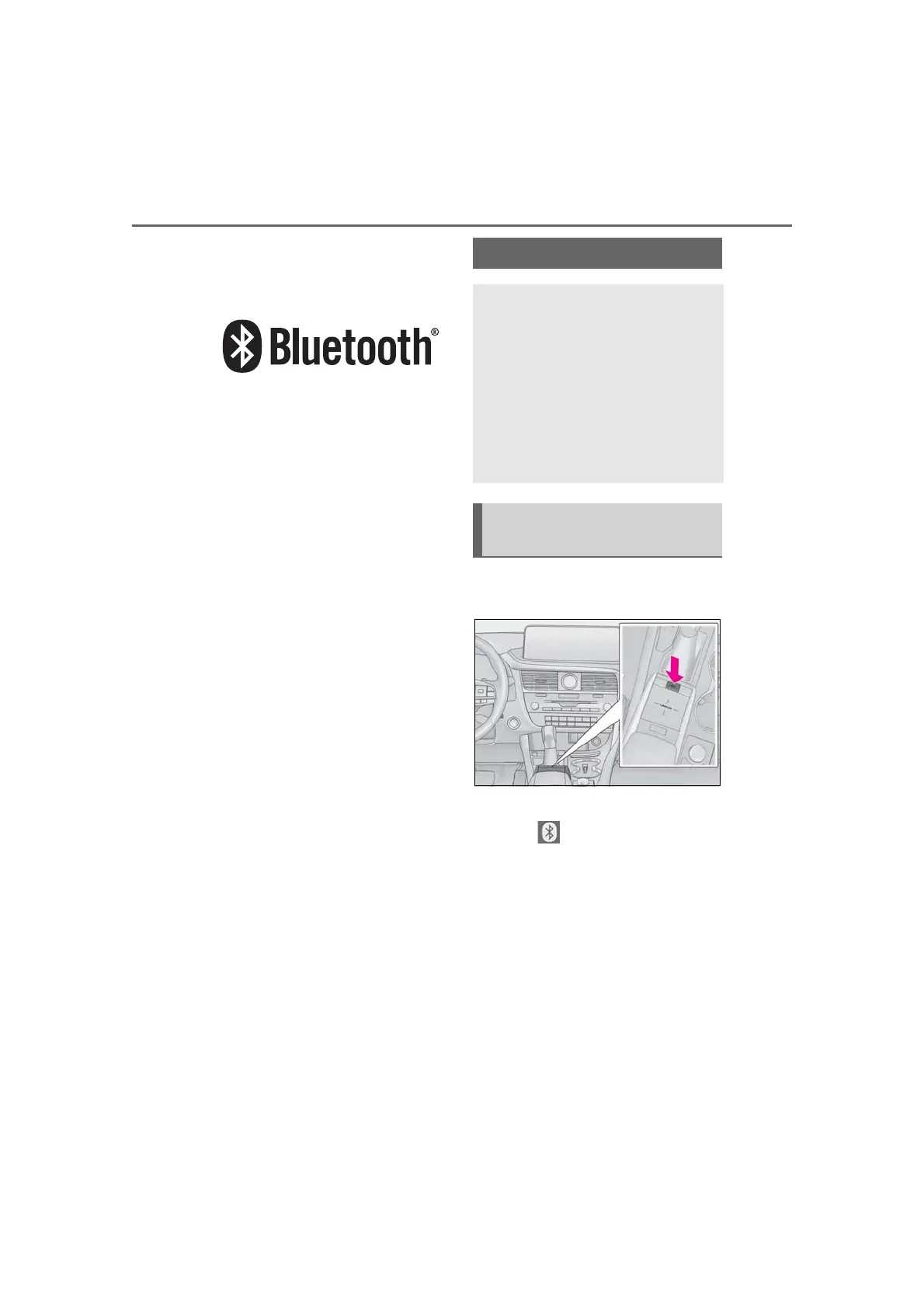
1 Press the “MENU” button on the
Remote Touch.
2 Select “Setup”.
3 Select “Bluetooth” on the sub
menu.
4 Select the desired item to be set.
Setting Bluetooth
®
details
When an Apple CarPlay connec-
tion is established, this function will
be unavailable.
*
When an Android Auto connection
is established, some functions will
be unavailable.
*
*
: This function is not available in some
countries or areas.
Displaying the Bluetooth
®
setup
screen



 To Next Page