86
3-1. Basic operation
1 Select “Other POIs”.
2 Select the desired POI categories
and select “OK”.
“List All Categories”: Select to display
all POI categories.
POIs that are within 20 miles (32 km)
of the current position will be listed
from among the selected categories.
1 Select “Around Me”.
2 Select the desired POI.
Press the button on the Remote
Touch. The following buttons can be
displayed.
“Near Here”: Select to search for POIs
near the current position.
“Along My Route”: Select to search for
POIs along the route.
3 Check that the selected POI is dis-
played on the map screen.
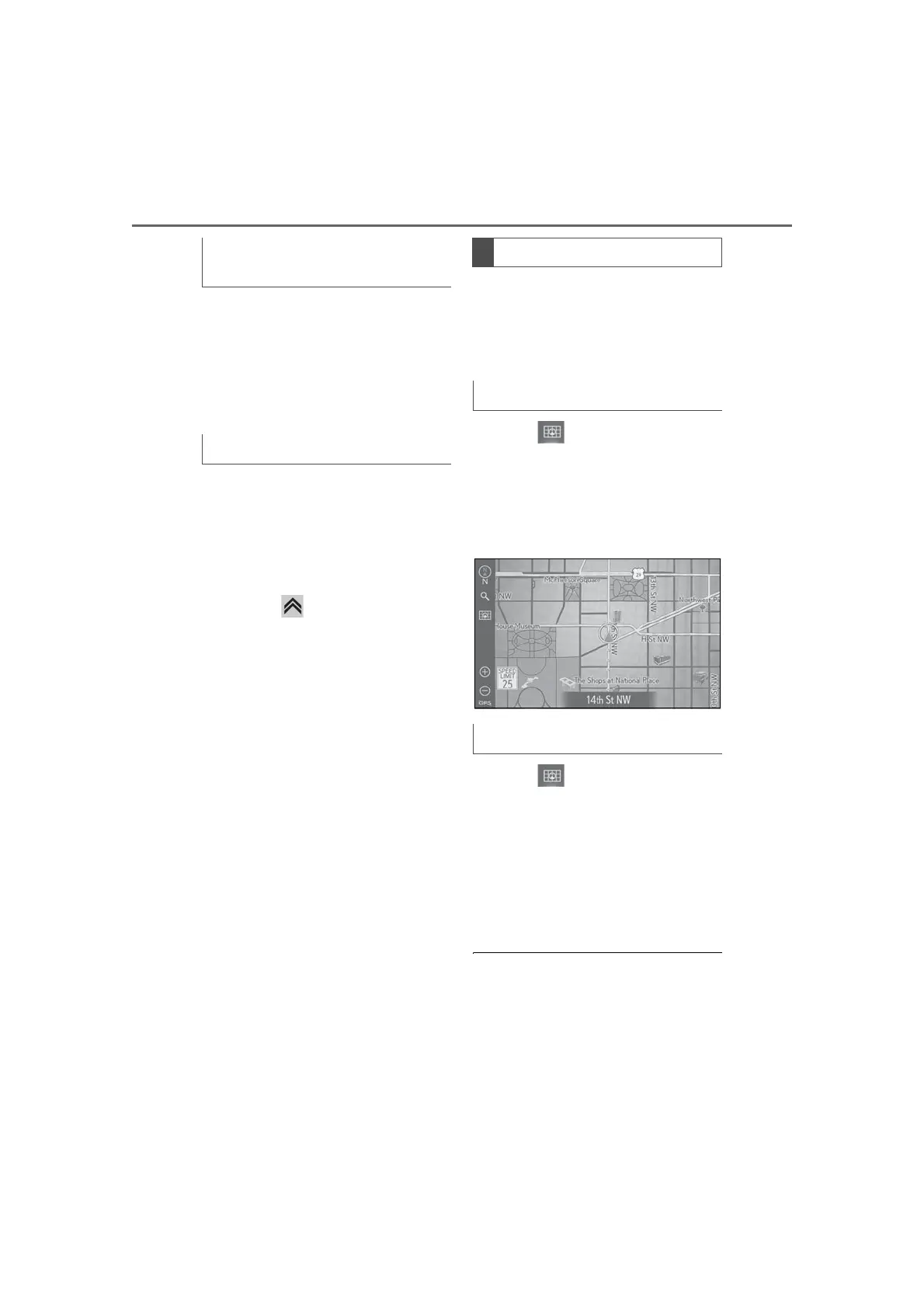
The traveled route can be stored and
retraced on the map screen. This fea-
ture is available when the map scale is
30 miles (50 km) or less.
1 Select on the map screen.
2 Select “Route Trace”.
The route trace starts.
3 Check that the traveled line is dis-
played.
1 Select on the map screen.
2 Select “Route Trace” again.
3 A confirmation screen will be dis-
played.
“Yes”: Select to keep the recorded route
trace.
“No”: Select to erase the recorded route
trace.
● The traveled route can be stored up to
approximately 621 miles (1000 km).
Selecting other POI icons to be dis-
played
Displaying the local POI list
Route trace
Start recording the route trace
Stop recording the route trace



 To Next Page