87
3-1. Basic operation
3
Navigation system
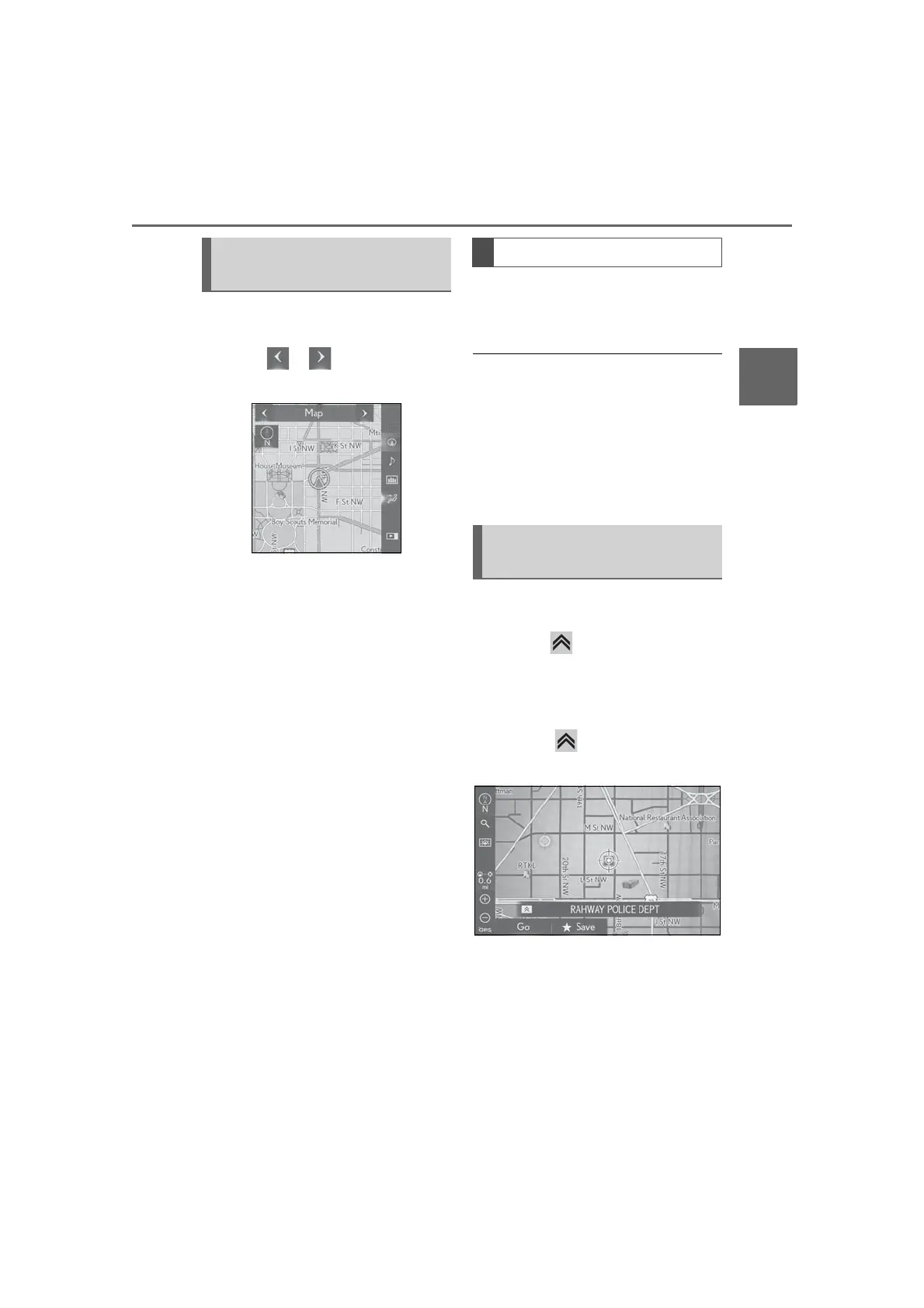
The map mode on the side display can
be changed.
1 Select or to change the
map mode.
“Map”: Display the single map screen.
“Compass”: Display the compass
mode screen. (P.87)
“Freeway Exit List”: Display the freeway
exit list screen. (P.103)
“Turn List”: Display the turn list screen.
(P.105)
“Turn-by-Turn Arrow”: Display the
turn-by-turn arrow screen. (P.105)
Depending on the conditions, cer-
tain screen configuration buttons
cannot be selected.
Information about the destination, cur-
rent position and a compass are dis-
played on the screen.
● The destination mark is displayed in the
direction of the destination. When driv-
ing, refer to the longitude and latitude
coordinates, and the compass, to make
sure that the vehicle is headed in the
direction of the destination.
● When the vehicle travels out of the cov-
erage area, the guidance screen changes
to the whole compass mode screen.
When the cursor is placed over an icon
on the map screen, the name of icon is
displayed. If appears on the left of
the name, detailed information can be
displayed.
1 Place the cursor over an icon.
2 Press the button on the Remote
Touch.
3 Select “Info”.
4 Check that the information screen
is displayed.
“Save”: Select to register as a mem-
ory point. To change the icon,
name, etc.: P.109
Switching the map mode on the
side display
Compass
Displaying information about the
icon where the cursor is set



 To Next Page