88
3-1. Basic operation
“Go” / “Enter”: Select to set as a
destination.
:Select to call the registered
number.
“Delete”: Select to delete destina-
tion or memory point.
“Edit”: Select to display the edit
memory point screen.
● Even when traffic information is not cur-
rently being received, traffic information
and “Info” will be displayed for a while
after traffic information has been
received.
● In some situations, calls to a POI may
automatically change to an international
call or may not be possible as a domestic
call.
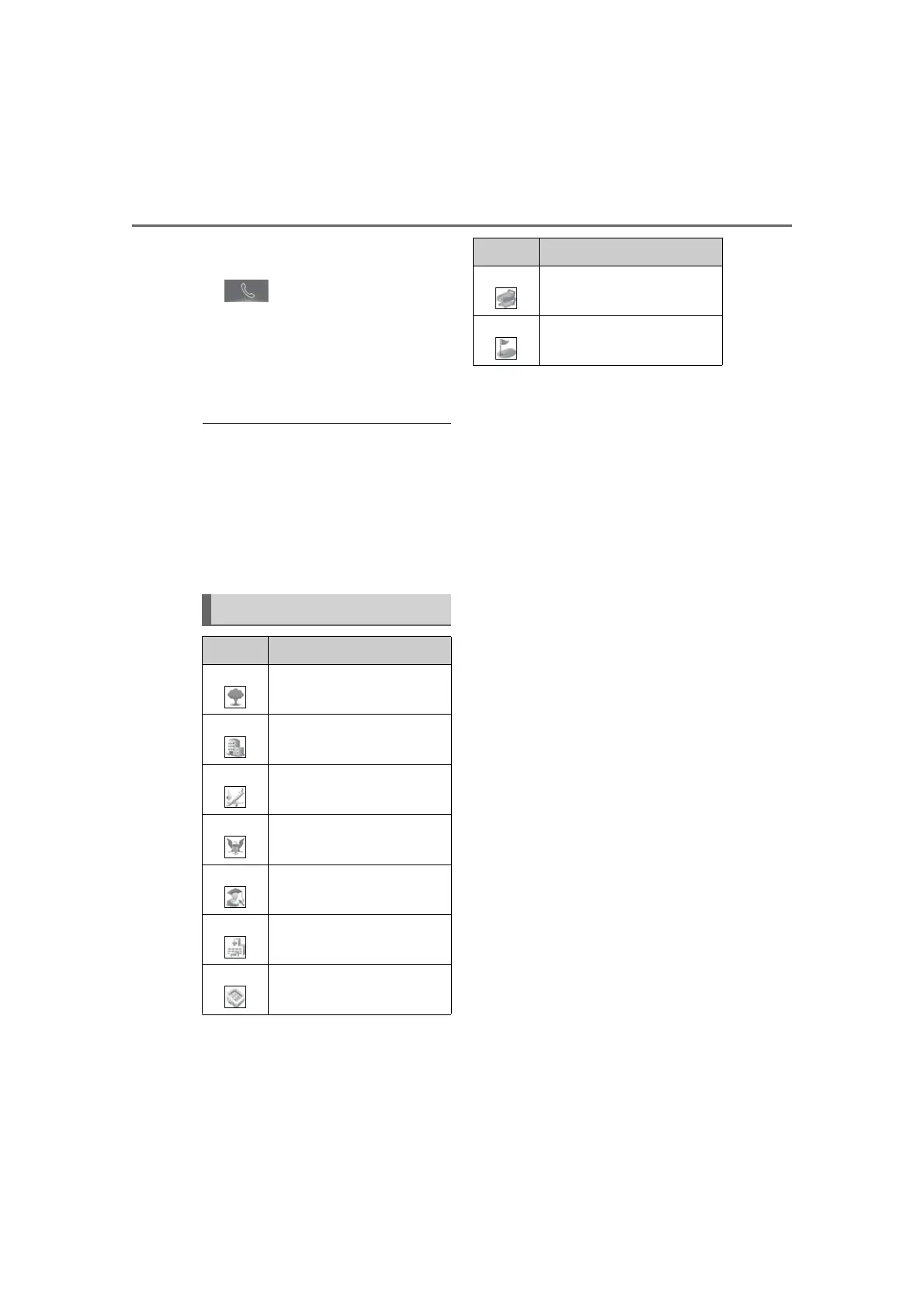
Standard map icons
Icon Name
Park/Recreation
Business facility
Airport
Military
University
Hospital
Stadium
Shopping
Golf course
Icon Name



 To Next Page