151
4-3. Media operation
4
Audio/visual system
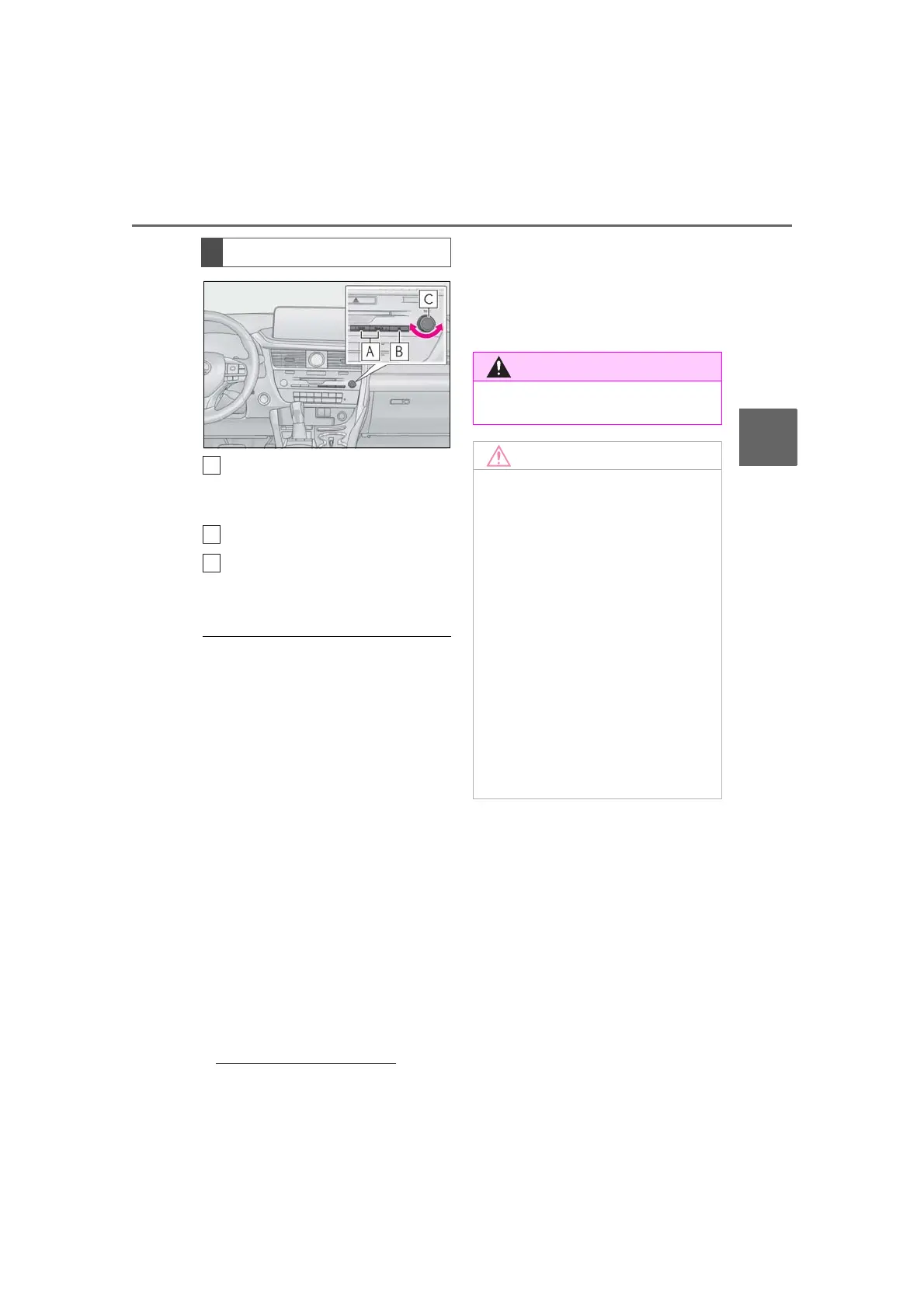
Press to select a track.
Press and hold to fast for-
ward/rewind.
Press to pause/play.
Turn to select a track.
*
Turn to move up/down the list.
*
:If equipped
● When an iPod/iPhone is connected using
a genuine iPod/iPhone cable, the
iPod/iPhone starts charging its battery.
● Depending on the iPod/iPhone, the video
sound may not be able to be heard.
● Depending on the iPod/iPhone and the
songs in the iPod/iPhone, a cover art may
be displayed. This function can be
changed to “On” or “Off”. (P.161) It may
take time to display the cover art, and the
iPod/iPhone may not be operated while
the cover art display is in process.
● When an iPod/iPhone is connected and
the audio source is changed to
iPod/iPhone mode, the iPod/iPhone will
resume playing from the same point it
was last used.
● Depending on the iPod/iPhone that is
connected to the system, certain func-
tions may not be available.
● If an iPhone is connected via Bluetooth
®
and USB at the same time, system opera-
tion may become unstable. For known
phone compatibility information, refer to
http://www.lexus.com/enform/
.
● Tracks selected by operating a con-
nected iPod/iPhone may not be recog-
nized or displayed properly.
● The system may not function properly if a
conversion adapter is used to connect a
device.
Audio control switch
● Do not operate the player’s controls or
connect the iPod/iPhone while driving.
● Depending on the size and shape of
the iPod/iPhone that is connected to
the system, the console box may not
close fully. In this case, do not forcibly
close the console box as this may dam-
age the iPod/iPhone or the terminal,
etc.
● Do not leave your portable player in
the vehicle. In particular, high tempera-
tures inside the vehicle may damage
the portable player.
● Do not push down on or apply unnec-
essary pressure to the portable player
while it is connected as this may dam-
age the portable player or its terminal.
● Do not insert foreign objects into the
port as this may damage the portable
player or its terminal.



 To Next Page