160
4-4. Audio/visual remote controls
*1
: 12.3-inch display model
*2
: When an Apple CarPlay connection is
established, this function will be unavail-
able.
*3
: When an Android Auto connection is
established, this function will be unavail-
able.
“MODE” switch
*1
: If cached radio is enabled, pressing and
holding the “MODE” switch pauses the
broadcast. (Press and hold again to play
back the cached radio program.)
*2
: 12.3-inch display model
*3
: When an Apple CarPlay connection is
established, this function will be unavail-
able.
*4
: When an Android Auto connection is
established, this function will be unavail-
able.
● In the APPS mode, some operation may
be done on the screen depend on the
selected APPS.
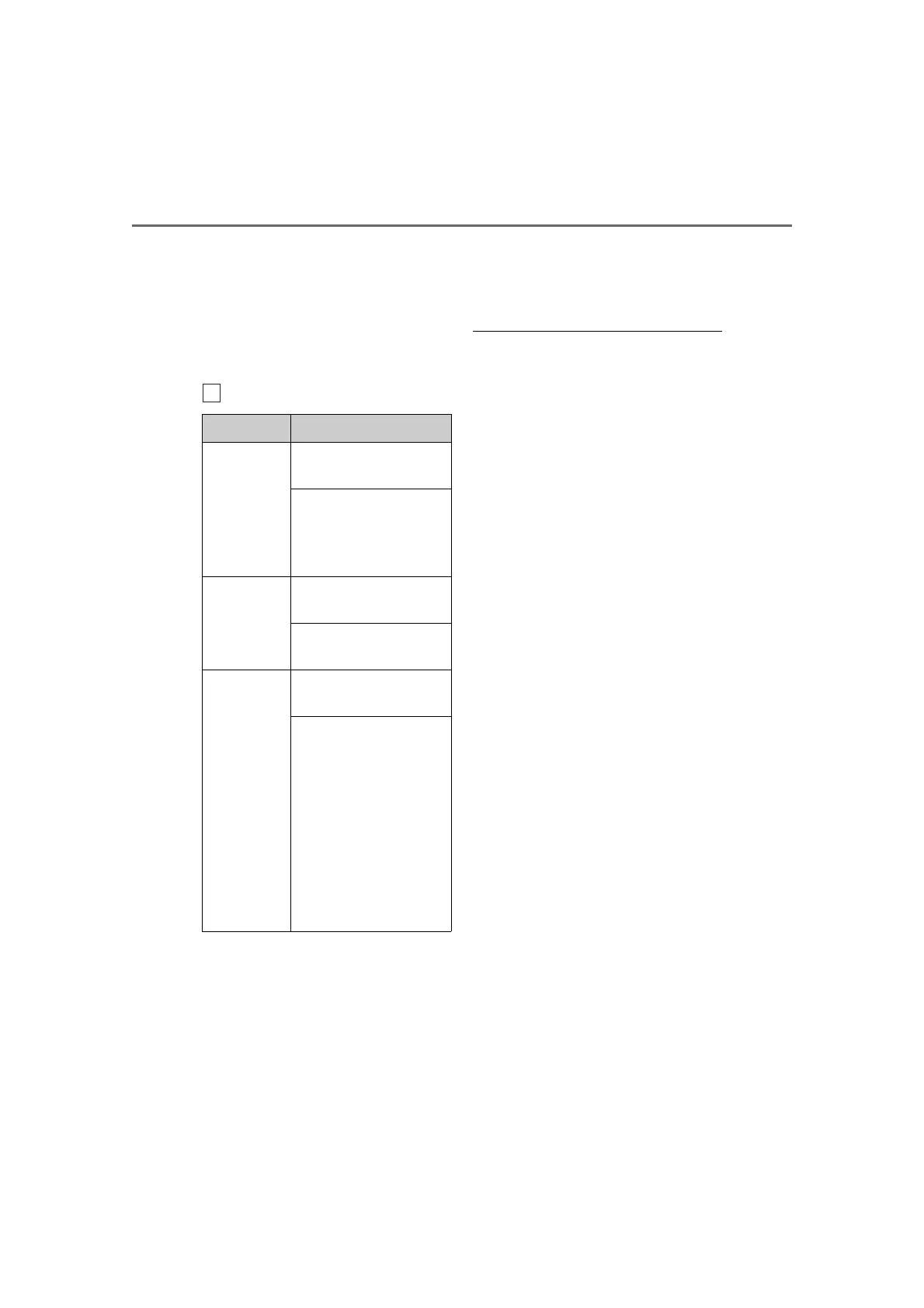
Mode Operation/function
AM/FM/
SXM
Press: Change audio
modes
Press and hold (0.8 sec. or
more): Mute
*1
(Press and
hold again to resume the
sound.)
AUX
Press: Change audio
modes
Press and hold (0.8 sec. or
more): Mute
CD,
MP3/WMA/
AAC disc,
DVD
*2
,
USB
*3, 4
,
iPod/
iPhone
*4
,
Android
Auto
*3
, Blue-
tooth
®
audio
*3, 4
,
APPS
*3, 4
Press: Change audio
modes
Press and hold (0.8 sec. or
more): Pause



 To Next Page