221
7-2. Panoramic view monitor
7
Peripheral monitoring system
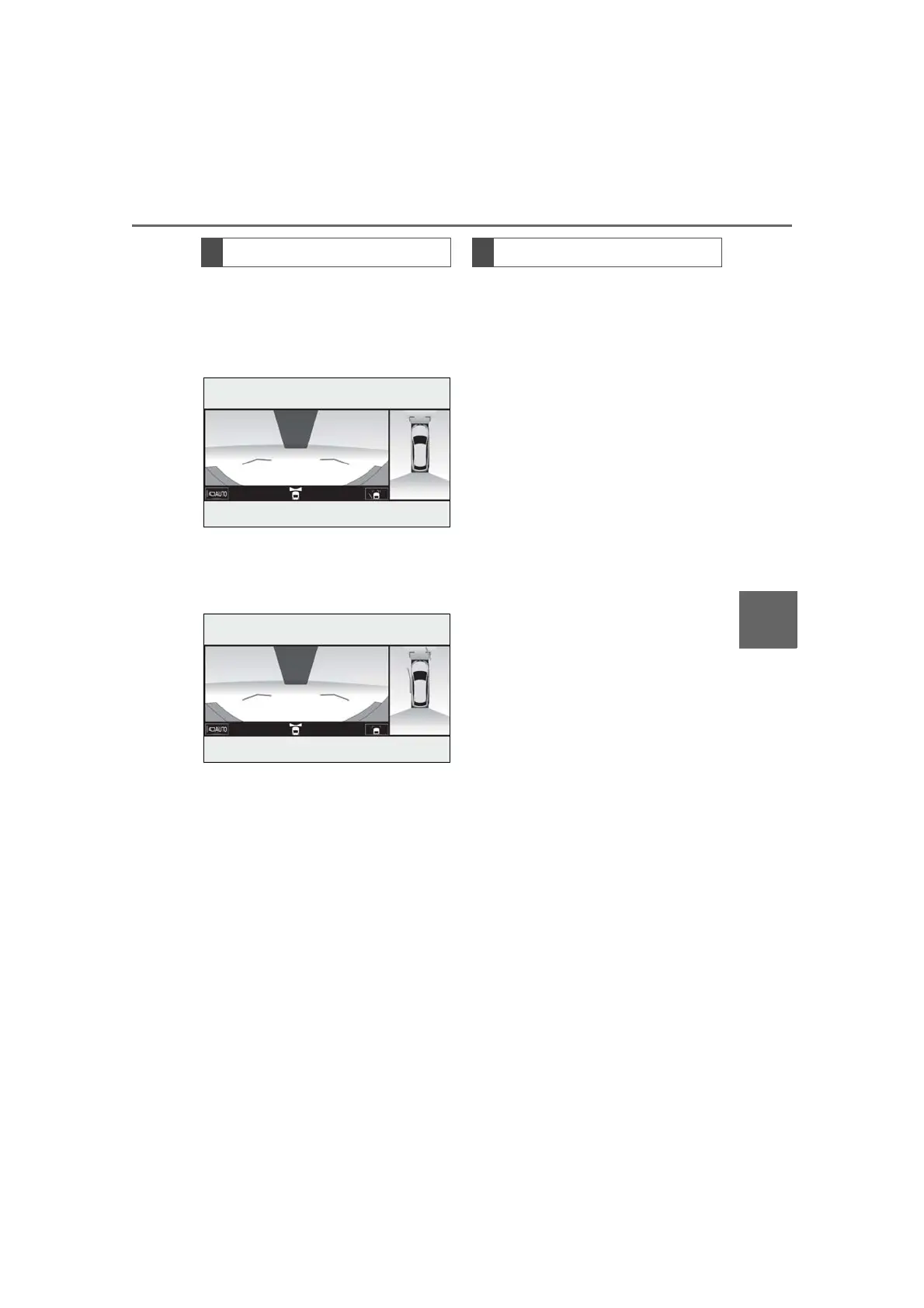
Each time the guide line switching but-
ton is selected, the mode will change as
follows:
Distance guide line
Only the distance guide lines are
displayed.
Estimated course line
Estimated course lines will be added
to the distance guide lines.
In addition to screen switching by
operating the camera switch, auto-
matic display mode is available. In this
mode, the screen is switched automati-
cally in response to vehicle speed.
In automatic display mode, the monitor
will automatically display images in the
following situations:
When the shift lever is shifted to “N”
or “D” position.
When vehicle speed is reduced to
approximately 6 mph (10 km/h) or
less.
Switching the guide line mode
Automatic display mode



 To Next Page