77
2-4. Other settings
2
Basic function
3 Select the desired items to be
edited.
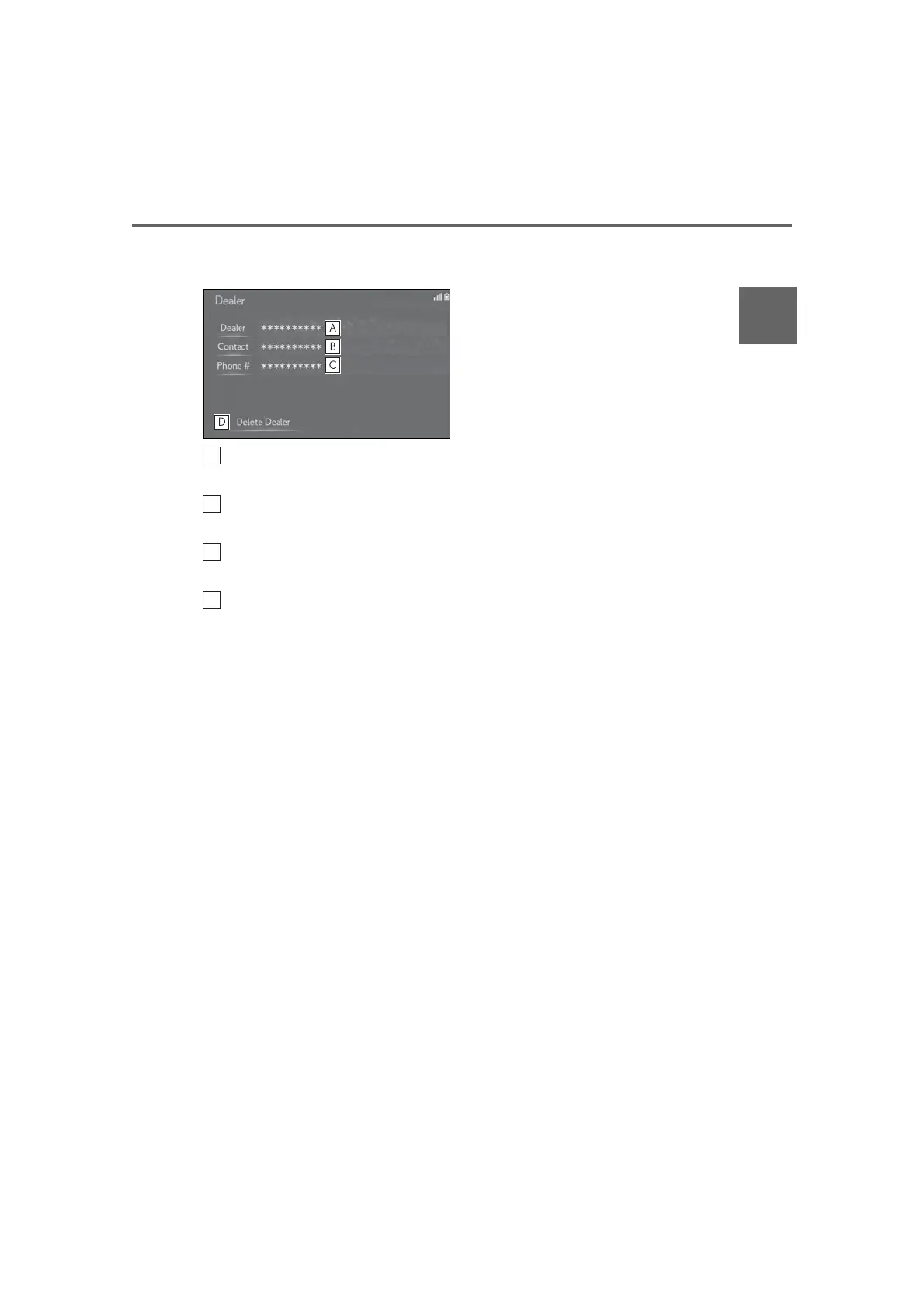
Select to enter the name of a
dealer. (P.76)
Select to enter the name of a dealer
member. (P.76)
Select to enter the phone number.
(P.76)
Select to delete the dealer informa-
tion displayed on the screen.



 To Next Page