17
ENG
ENGLISH
REMOTE CONTROL
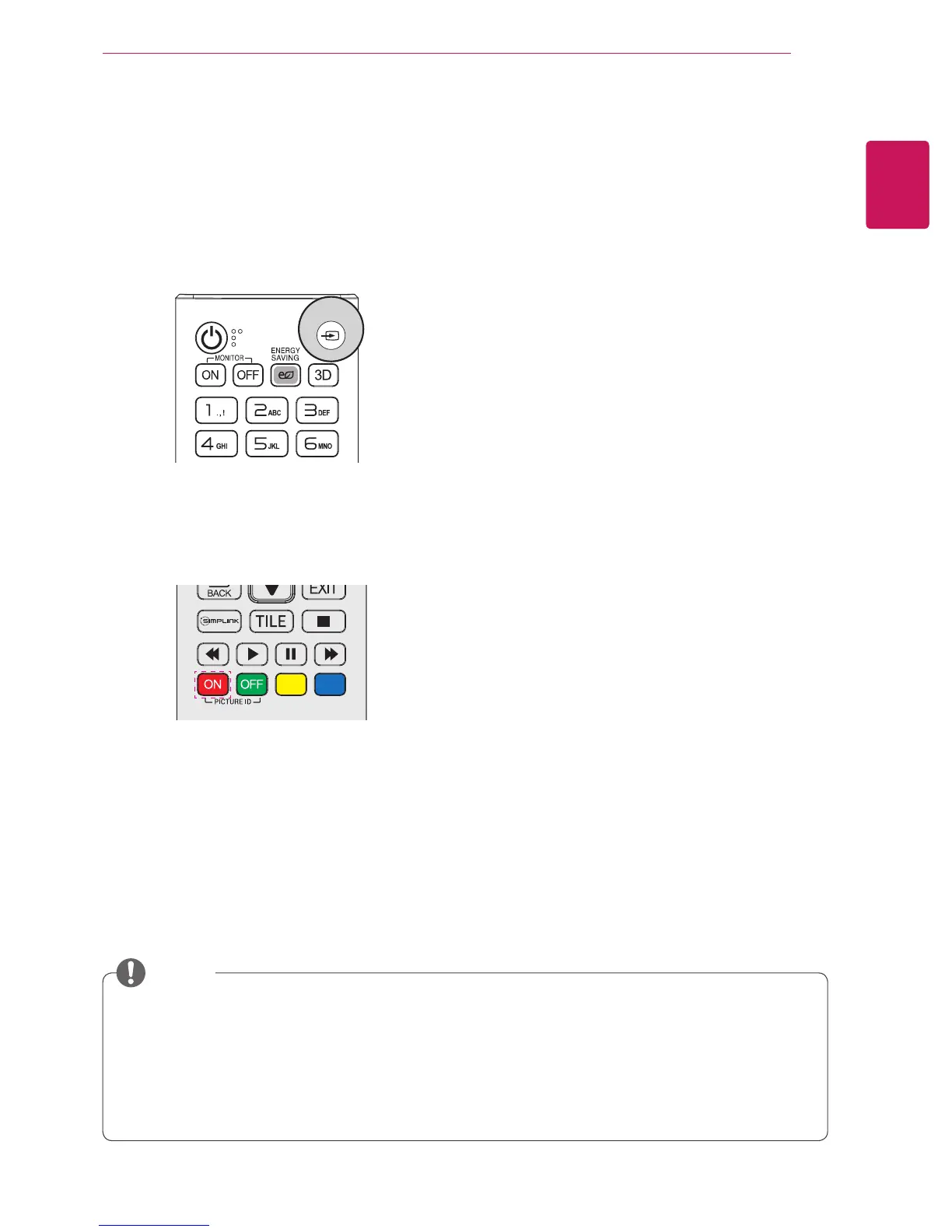
1 Press INPUT to access Input List.
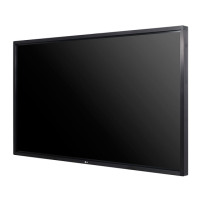
2 In the Input List screen, press the ID ON (red)
on the remote control.
Change Device Name
You can edit the name of the external device con-
nected to the input port to display which device is
connected to the port.
3 You can select any option for Input Label
except USB.
y
External inputs supported:
AV, RGB-PC, HDMI1, HDMI2, DVI-D, Display Port
and
SuperSign
y
Input labels available:
Blu-ray, DVD, VCR, Home theater, AV Receiver, Set-top Box, Cable Box,
Satellite, IPTV, TV, Smart Box, Game, PC, Notebook, Smart phone, Camera,
and
Camcorder.
y
The set
Input Label
is displayed on the
Input List
, or when switching the input.
y
If DTV/PC compatible signals are output, the screen settings change according to the
Input Label
setting. If Input Label is set to PC, the screen's aspect ratio is automatically set to Just Scan.
NOTE
INPUT


 To Next Page