9
ENG
ENGLISH
ASSEMBLING AND PREPARING
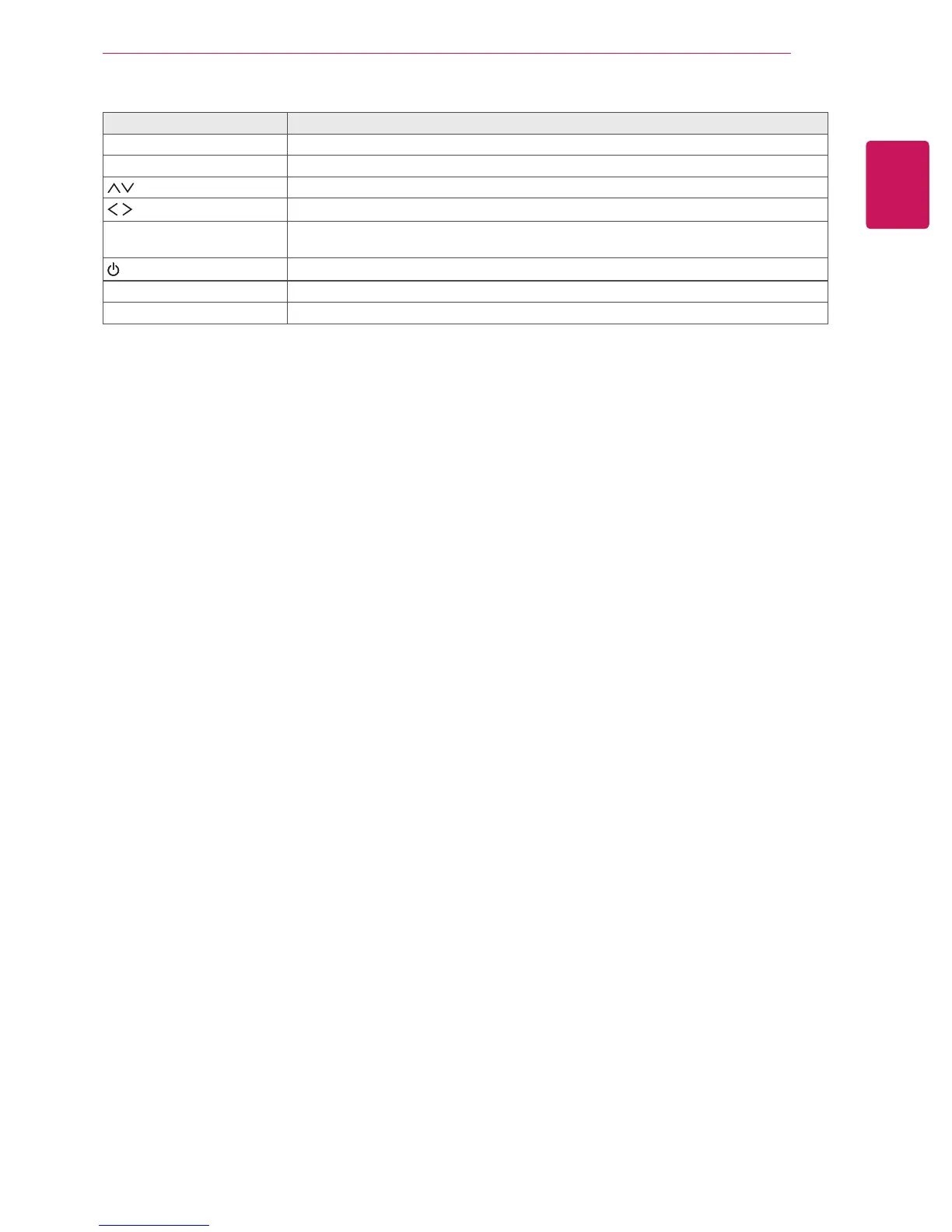
Screen Marks Description
INPUT Changes the input source.
MENU Accesses the main menus, or saves your input and exits the menus.
Moves the selection up and down.
Adjusts the volume level.
AUTO / SETTINGS
Displays the current signal and mode.
Press this button to adjust the screen automatically (available only in RGB mode)
/
I
Turns the power on or off.
IR Receiver This is where the unit receives signals from the remote control.
Power Indicator
This Indicator lights up red when the display operates normally (on mode).


 To Next Page