23
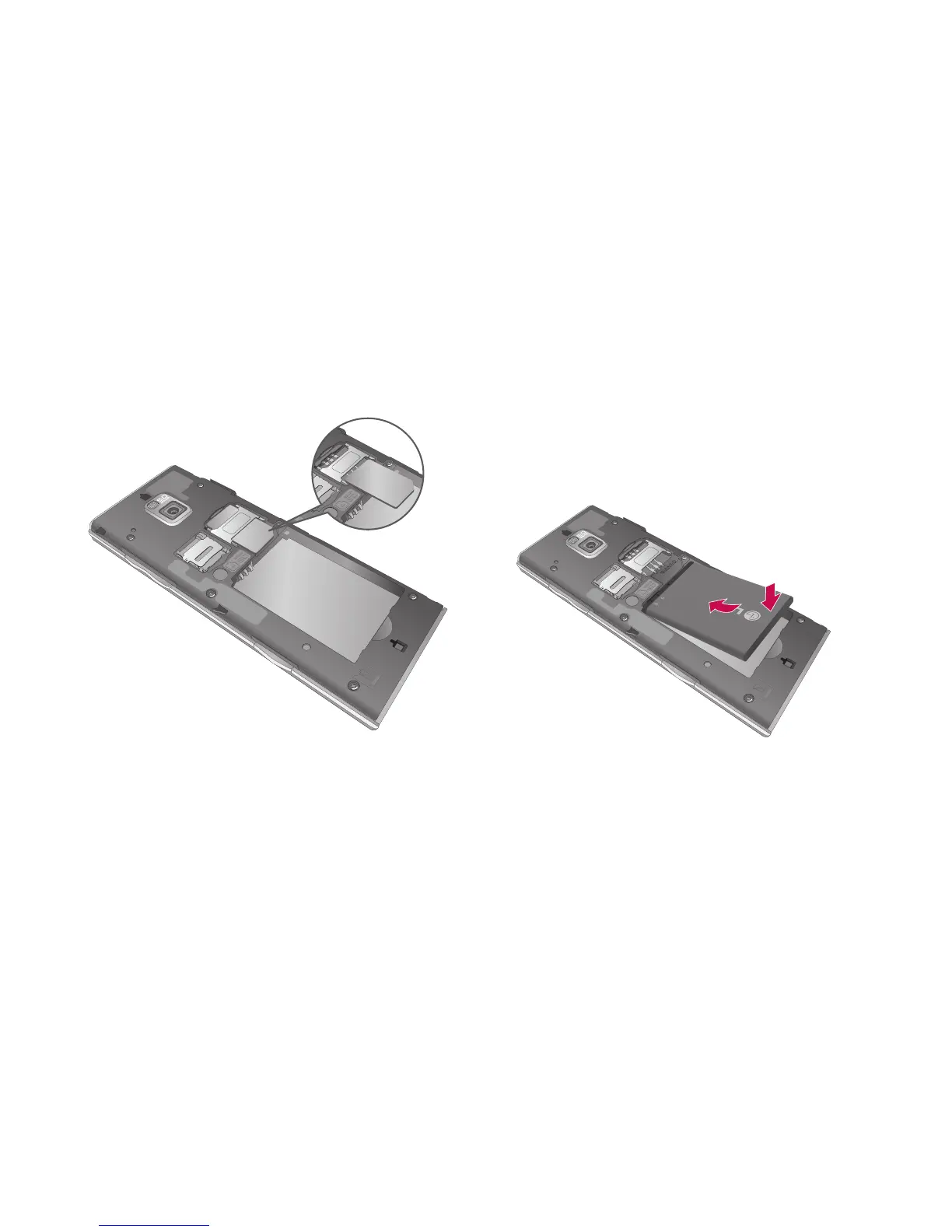
3 Install the USIM card
Slide the USIM card into the USIM
card holder. Make sure the gold
contact area on the card is facing
downwards. To remove the USIM
card, gently pull it outwards.
4 Install the battery
Insert the top of the battery
into the top edge of the battery
compartment first. Ensure that
the battery contacts align with
the phone’s terminals. Press the
bottom of the battery down until
it clips into place.



 To Next Page