33
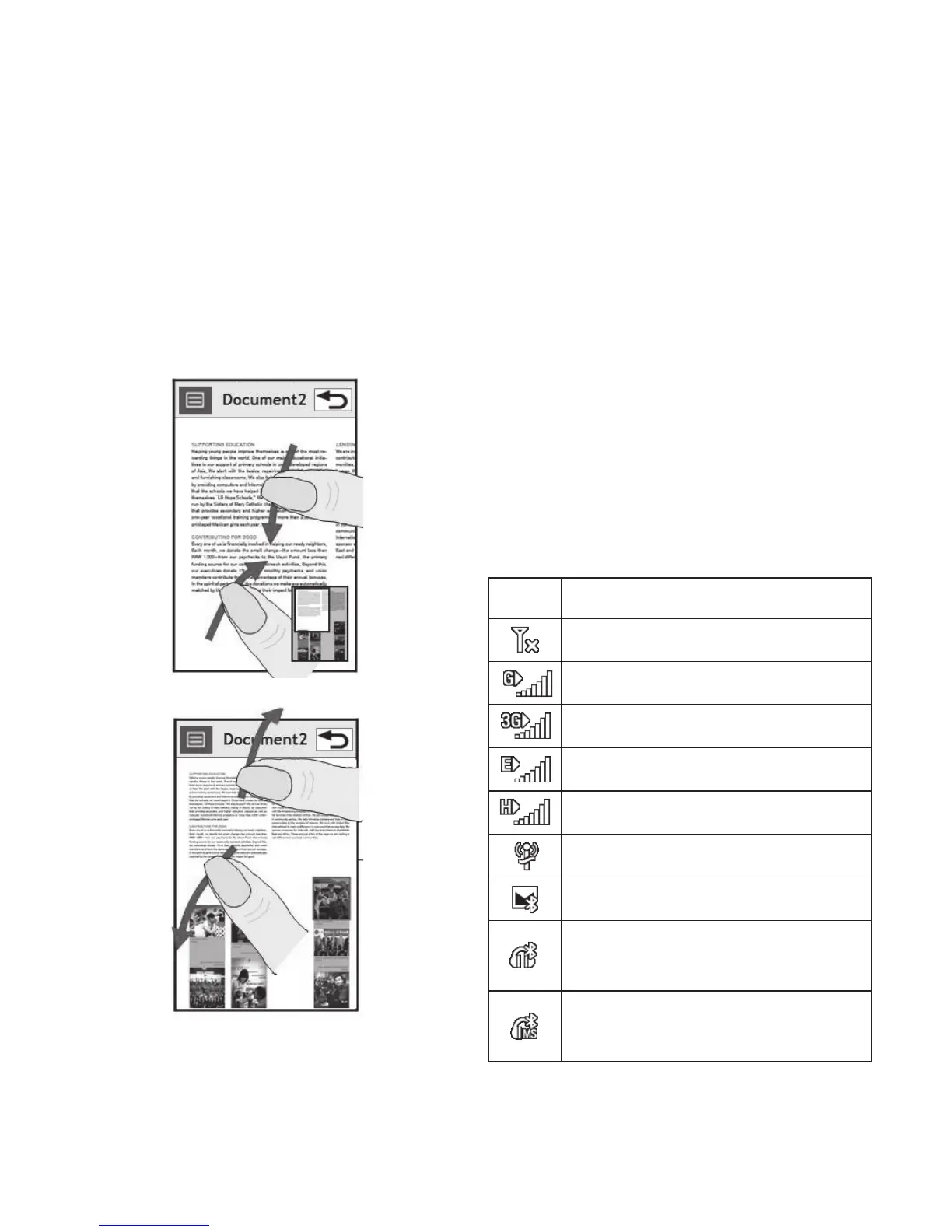
Zooming In or Out
When viewing photos, web pages,
emails, or maps, you can zoom in
and out. Pinch your fingers together
or slide them apart.
Viewing the status bar
The status bar uses various icons
to show different conditions such
as signal strength, new messages
and battery life as well as telling
you whether Bluetooth or GPRS are
active.
Below is a table which explains the
meaning of icons you’re likely to see
in the status bar.
Icon Description
No Service
2G
3G
EDGE
HSDPA
Wi-fi is on
Bluetooth Message
Bluetooth Mono hands free
headset
Bluetooth Mono Stereo
headset



 To Next Page