24 LG BL40 | User Guide
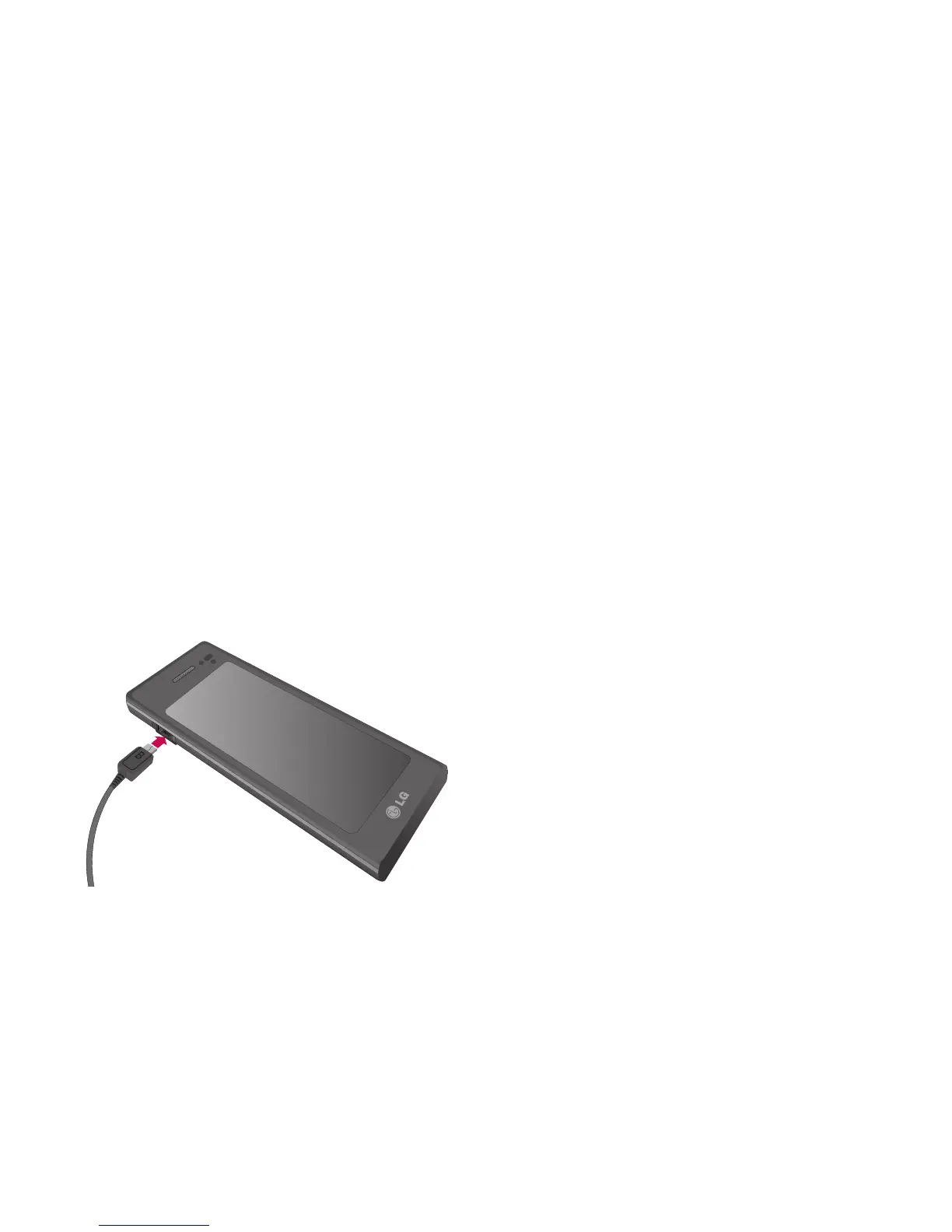
Charging your phone
Open the cover of the charger
connector on the side of your BL40.
Insert the charger and plug it into a
mains electricity socket. Your BL40
must be charged until the “Battery
full” message appears on the screen.
NOTE: The battery must be fully
charged initially to improve battery
lifetime. Disregard the first “Battery
full” message and keep the phone
on charge overnight (or for up to
14 hours).



 To Next Page