56 LG BL40 | User Guide
Once you’ve taken the photo
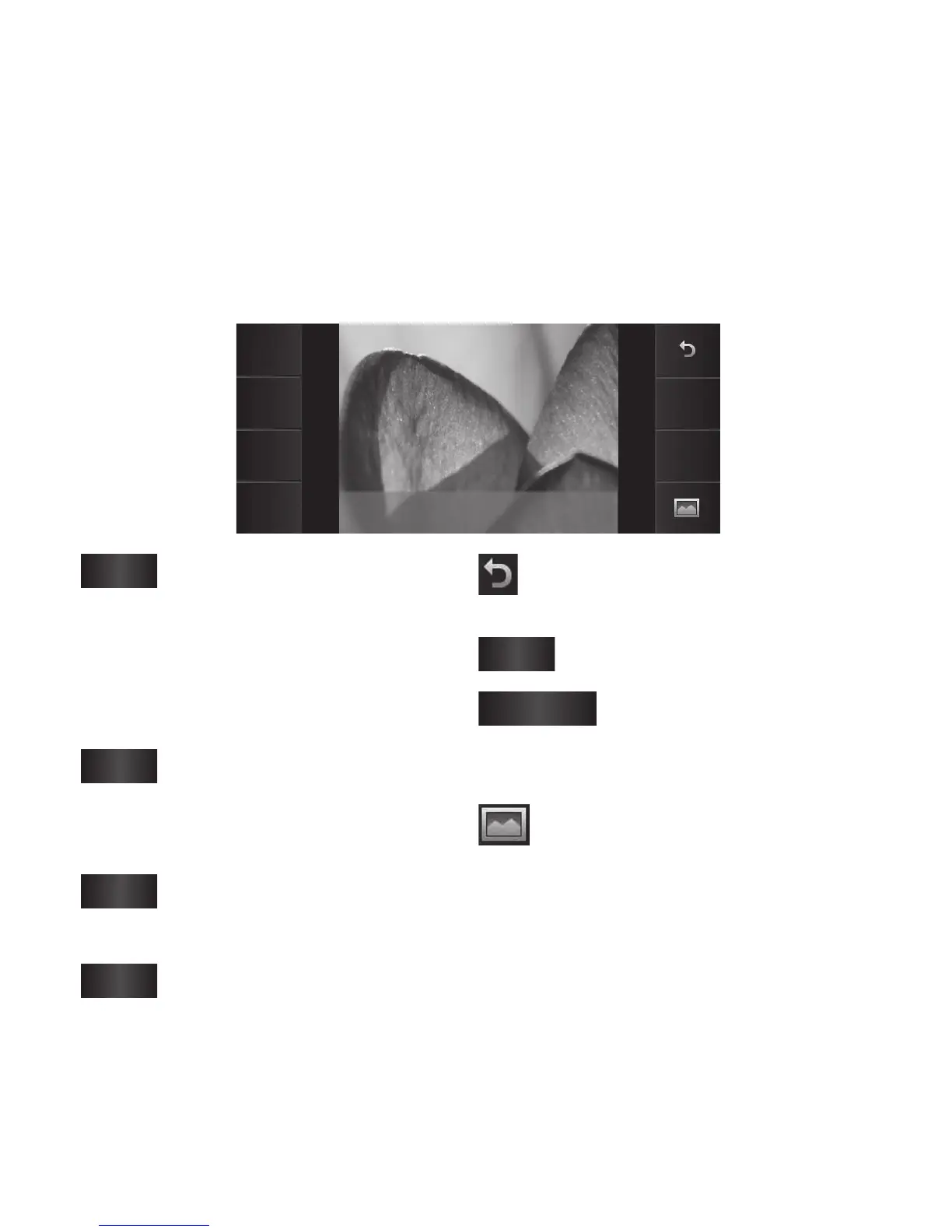
Your captured photo will appear on the screen. The image name is shown
with eight options on the sides.
Send
Use as
Rename
Edit
Delete
New
picture
IMG006.jpg
Send
Touch to send the photo
as a Message, Email, Bluetooth or
Postcard.
NOTE: Additional cost may occur
when MMS are sent while roaming.
Use as
Touch to use the image as
Homescreen, Lock screen, contact
picture or start-up screen.
Rename
Touch to edit the name of
the selected picture.
Edit
Touch to edit the image
using various tools.
Touch to return to the previous
menu.
Delete
Touch to delete the image.
New picture
Touch to take another
photo immediately. Your current
photo will be saved.
Touch to view a gallery of your
saved photos.
Camera



 To Next Page