74 LG BL40 | User Guide
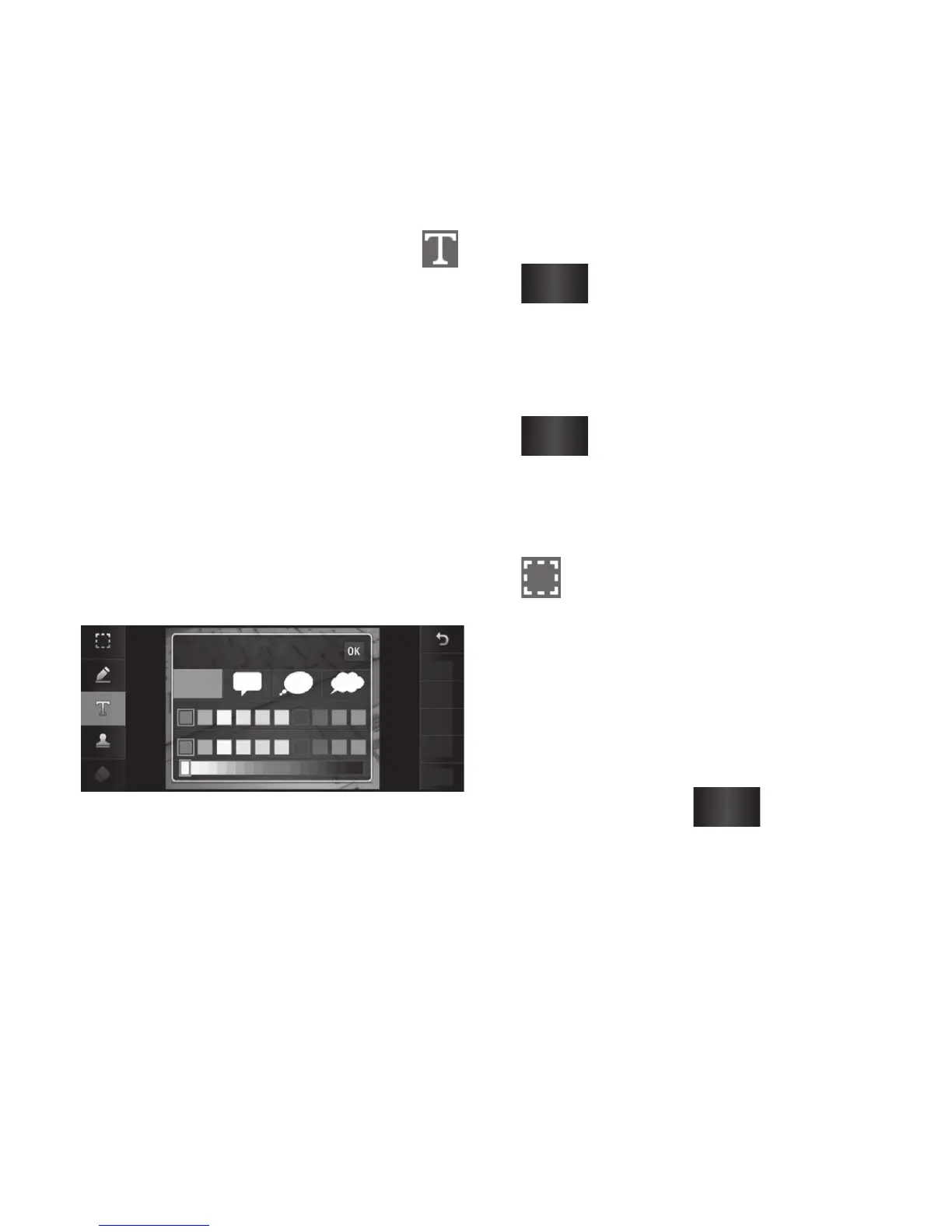
Adding text to a photo
1From the editing screen, touch .
Select Signature Text or Bubble
Text.
Type the text using the keypad
and touch the Save icon.
Set the text to the desired
location on the picture by sliding
it.
Touch the text, keypad will be
enabled for reedit.
Text
Signature
Save
Undo
Image
Filter
Adjustment
1
2
3
Adding an effect to a photo
From the editing screen, touch
Filter
.
You can apply any of the various
options to the photo
To undo an effect simply touch
Undo
.
Cropping a photo
From the editing screen, touch
.
Choose the shape you want to
use to crop the picture.
Drag the box over the area you
want to crop.
When you are happy with your
selection, touch
Save
.
1
2
3
1
2
3
4
Your photos and videos



 To Next Page