65
After taking a video
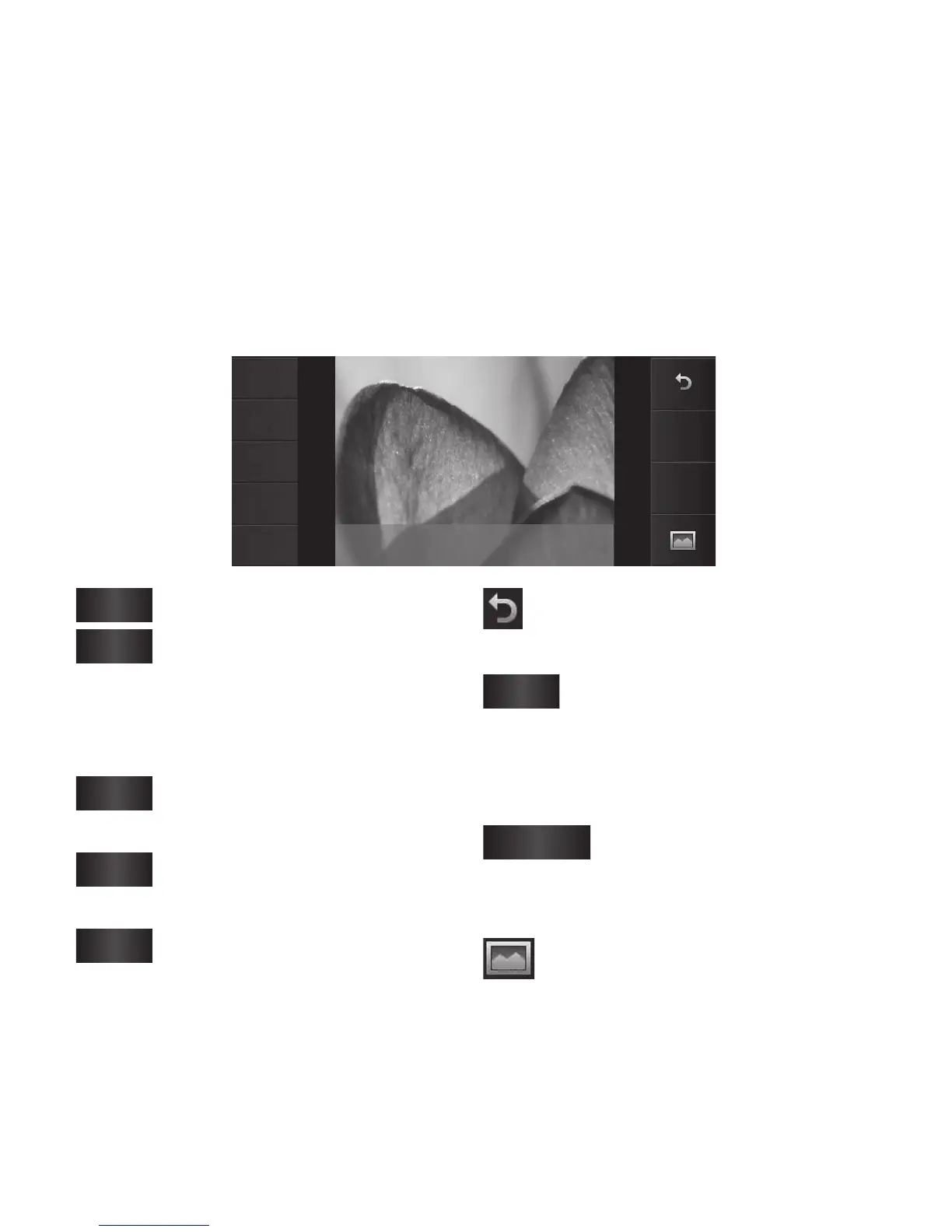
A still image representing your captured video will appear on the screen.
The name of the video will be shown on the bottom of the screen, along
with nine options on the sides.
Play
Send
Use as
Rename
Edit
MOV007.3gp
Delete
New
video
Play
Touch to play the video.
Send
Touch to send the photo as
a Message, Email or Bluetooth. See
Sending a message, and Sending and
receiving your files using Bluetooth.
Use as
Touch to use the video as a
ringtone.
Rename
Touch to edit the name of
the selected picture.
Edit
Touch to edit the image
using various tools.
Touch to return to the previous
menu.
Delete
Touch to delete the video
you have just made, and confirm by
touching Yes. The viewfinder will
reappear.
New video
Touch to shoot another
video immediately. Your current
video will be saved.
Touch to view the saved
videos and pictures gallery.



 To Next Page