80 LG BL40 | User Guide
Adding a soundtrack to your
video
Open the video you want to edit,
touch option key.
Select
Edit
and choose Audio
dubbing.
The My sounds folder will open.
Choose the track you want to add
to your video.
The original audio track on your
video will be erased.
If the audio track is shorter than
the video choose whether to play
it Once or to Repeat it.
Replace the existing file or save
as a new file.
1
2
3
4
5
6
Adding live sound to your
video
Open the video you want to edit,
touch option key.
Select
Edit
and choose Live
dubbing.
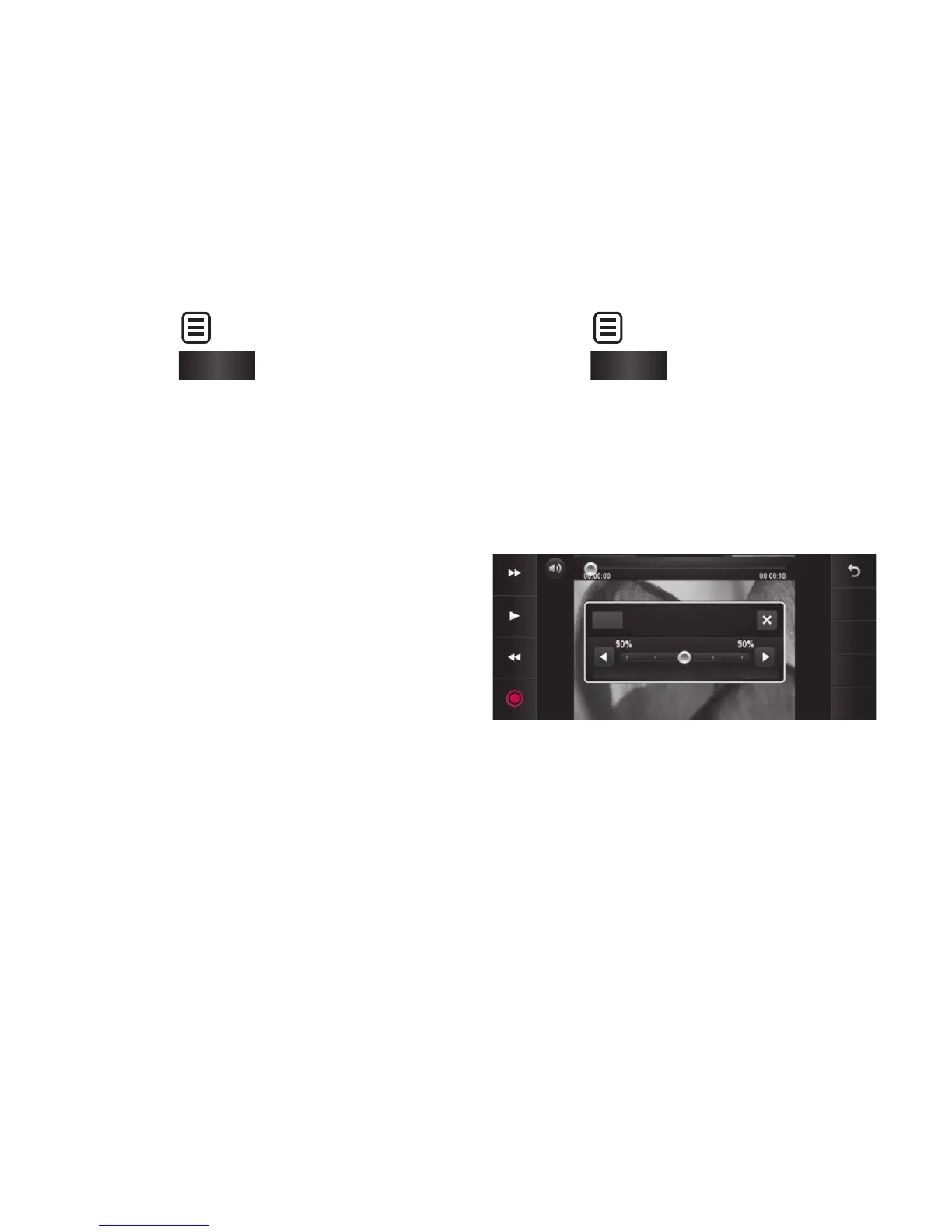
Set the audio mixing ratio
between the original sound and
the recording sound.
Save
Undo
Preview
Audio mixing ratio
Original sound
Recording sound
Reset
1
2
3
Your photos and videos



 To Next Page