93
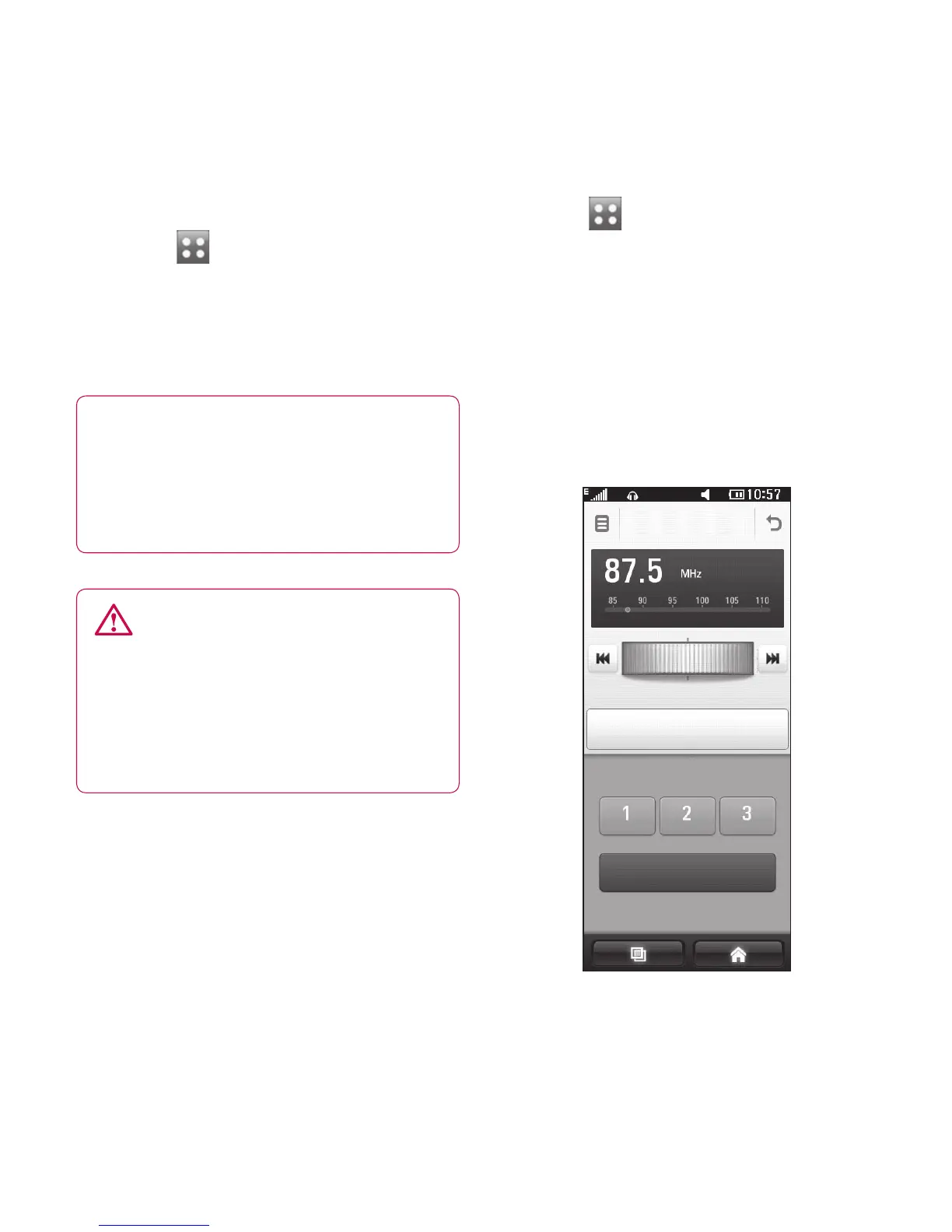
Listening to the radio
Touch then select FM radio
from the Entertainment tab.
Touch the channel number of the
station you would like to listen to.
TIP! To improve radio
reception, extend the headset
cord, which functions as the
radio aerial.
WARNING: If you connect
the headset not specically
made for the phone, this may
cause interference with radio
reception.
Using the FM transmitter to
play music
The BL40 allows you with its built-
in FM transmitter to listen to your
music via any FM tuner in range of
the phone, e.g. at home or in your
car.
1
2
Touch then Tools from
the Utilities tab. Select FM
Transmitter.
Select a frequency at which your
phone shall tranmit an FM signal
of your music.
Touch Transmit.
FM transmitter
Transmit
Save Current
1
2
3



 To Next Page