92 LG BL40 | User Guide
FM Radio
Volume
Listen via
Set as
Channel
Searching for stations
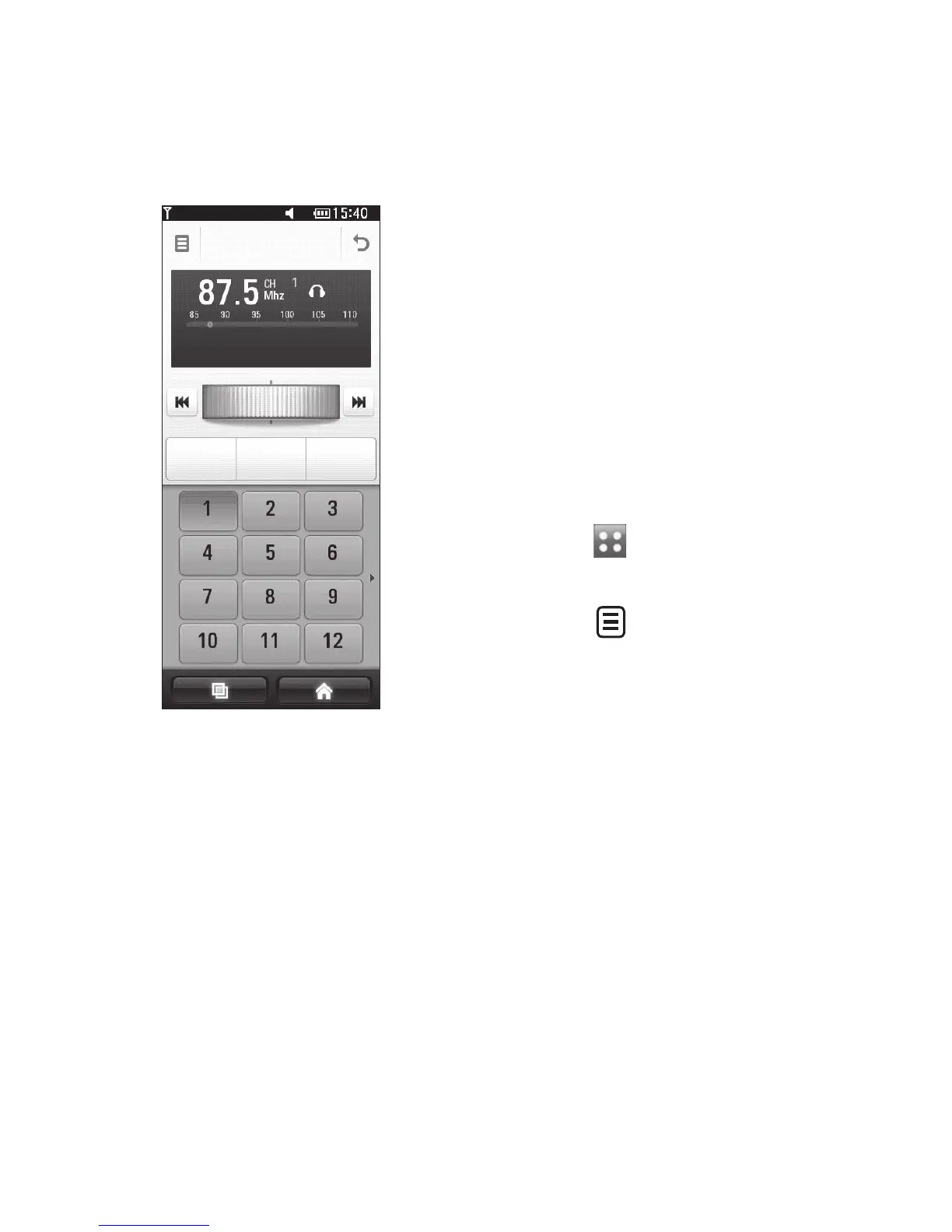
You can tune your phone to radio
stations by searching for them
manually or automatically. They will
then be saved to specific channel
numbers, so you don’t have to keep
re-tuning. You can store up to 48
channels on your phone.
Automatic tuning:
Touch then select FM radio
from the Entertainment tab.
Touch .
Touch Autoscan. The stations
found will be allocated to
channel numbers in your phone.
NOTE: You can also manually
tune to a station by using the
wheel displayed next to the radio
frequency.
1
2
3
Multimedia



 To Next Page