97
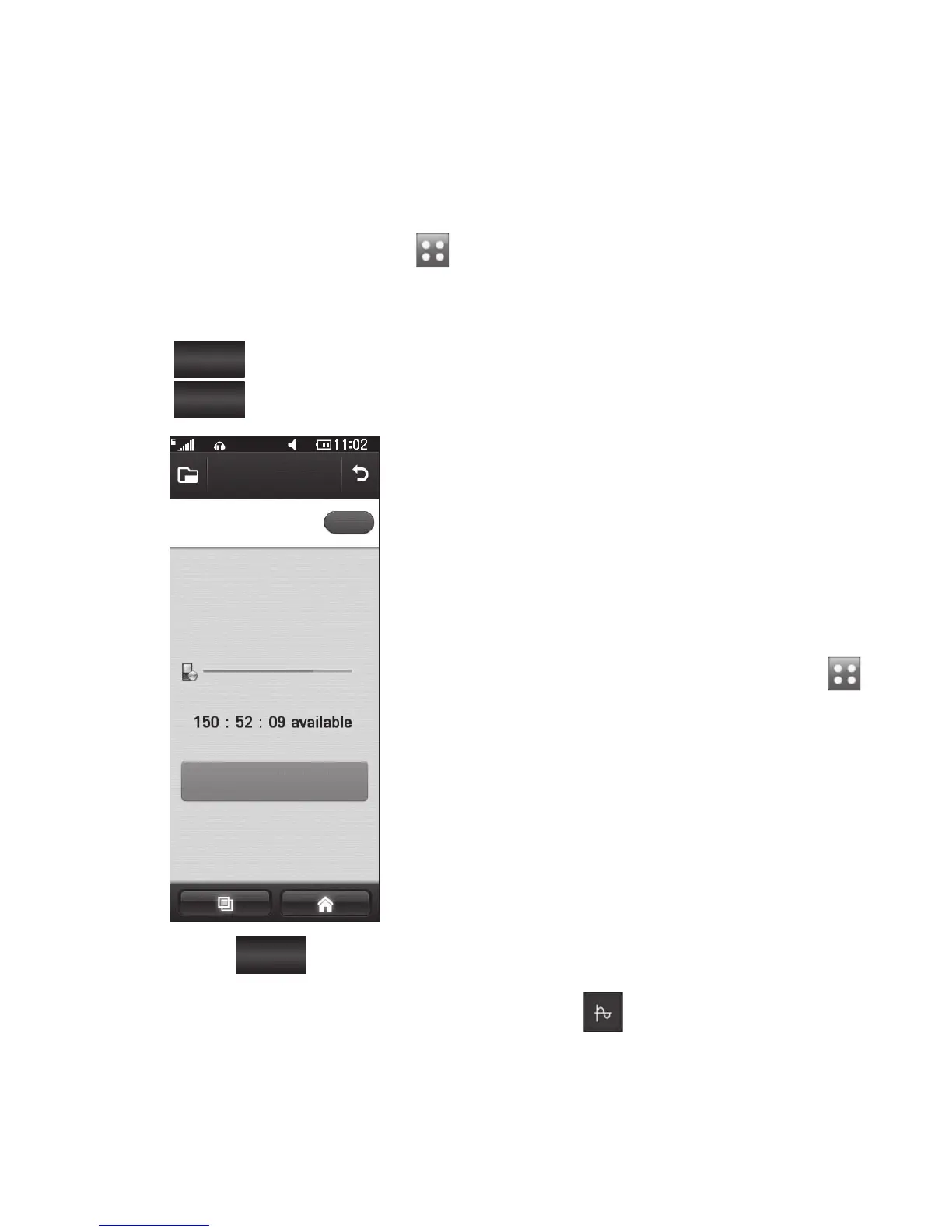
Recording a sound or voice
From the home screen select
then scroll to Voice recorder in
the Utilities tab.
Touch
Rec.
to begin recording.
Touch
Stop
to end recording.
Voice recorder
Recording mode
Rec.
General
If you touch
New
, it will
automatically restart the voice
recording after saving the
previous one.
1
2
3
4
Sending the voice recording
Once you have finished
recording, touch Send.
Choose Message, Email or
Bluetooth. If you choose
Message or Email, the recorded
track will be attached to the
message and sent as MMS. If you
choose Bluetooth, your phone
will search for a device to send
the voice recording to.
Using your calculator
From the home screen select ,
then scroll to Calculator in the
Utilities tab.
Touch the number keys to enter
numbers.
For simple calculations, touch the
function you require (+, –, x or ÷),
followed by =.
For more complex calculations,
touch and choose from sin,
cos, tan, deg, log etc..
1
2
1
2
3
4



 To Next Page