30 LG BL40 | User Guide
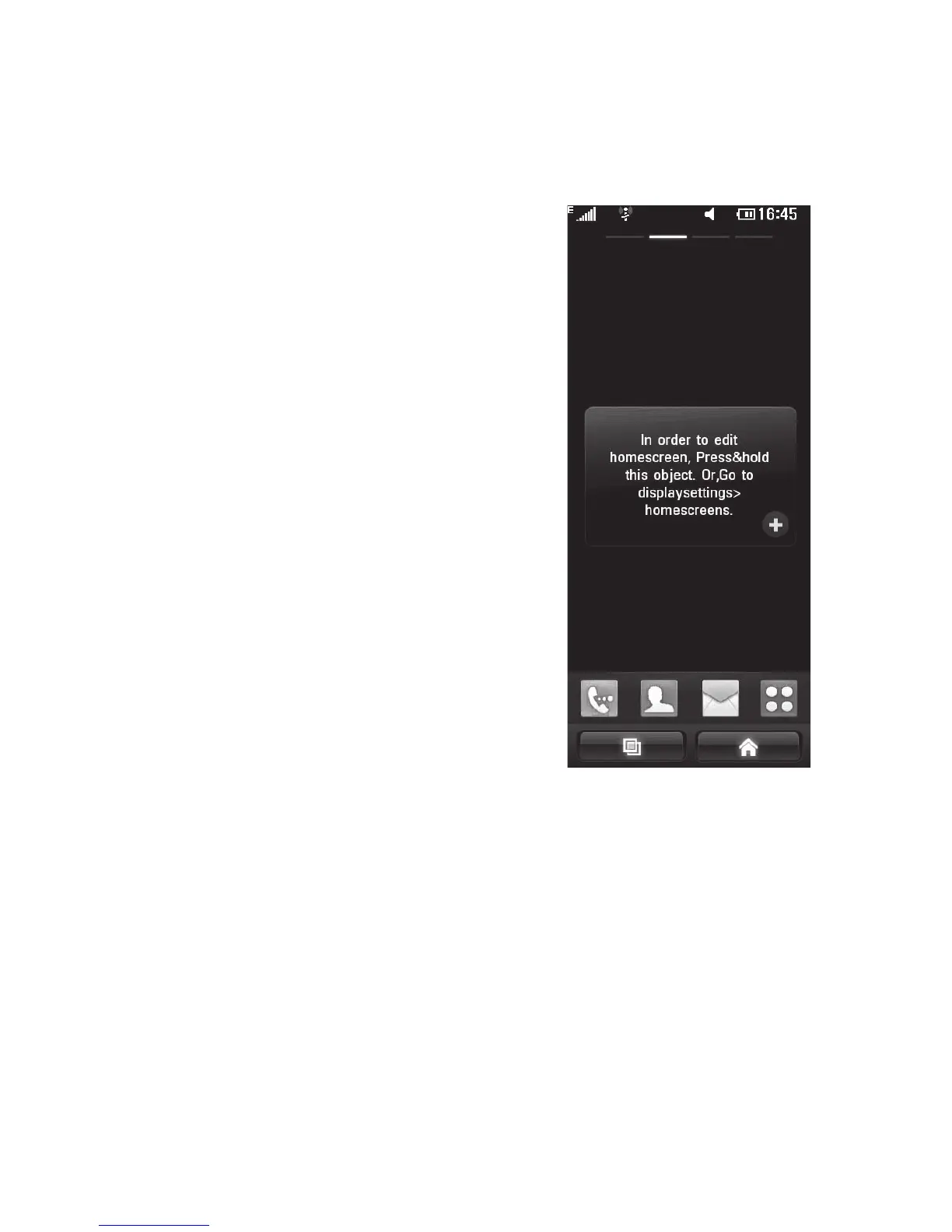
Your home screen
Get in touch with your BL40 -
The User Interface is based on four
types of Homescreens. To swap
between the home screens just
wipe quickly over the display from
left to right or from right to left.
Home screen customisation -
For each type of home screen
you are able to add and remove
objects by pressing & holding your
finger on the screen, or if already
added touching and holding one
of the objects.
•
•



 To Next Page