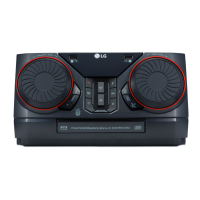
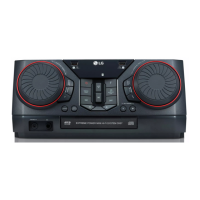
l
H/P (Headphone) VOLUME -/+
Adjusts headphone volume.
m
KEY CHANGER (
l
/
L
)
Changes the key to suit your vocal range.
H/P (Headphone) MODE
Press to select a headphone monitor mode.
n
Side 2 / Basic controls (USB 2 only)
Z
(Stop)
Stops playback or cancels DELETE function.
C
/
V
(Skip/Search)
- Skips backward or forward.
- Searches for a section within a track/file.
N
(Play/Pause)
Starts or pauses playback.
SEARCH
Moves to folder or file in selection mode.
OK
Selects a folder when searching a file.
DJ SCRATCH / SEARCH & MULTI
- Turns clockwise or counterclockwise to make
scratch sound.
- Searches a folder or a le.
- Selects the lighting effects.
DJ LOOP
Selects DJ LOOP mode.
(DJ LOOP mode can use during USB playback.)
REGION EQ / BASS BLAST (or BASS BLAST+)
- Chooses region equalizer.
- Press and hold to select BASS BLAST
(or BASS BLAST+) effect directly.
LIGHTING
Selects lighting mode.
o B
(Open/Close)
Opens and closes the disc tray.
p
CLUB, DRUM, USER (DJ PRO)
Selects CLUB, DRUM or USER sound effect to mix.
(If you want to use USER, you have to register a
source with “Music Flow Bluetooth” app.)
1, 2, 3, 4, 5, 6 (DJ PRO PAD)
Press a desired sound pad.
q
AUTO SYNC
When using MIX, you can synchronize the tempo
of audio files being played in USB 1 and USB 2 by
pressing AUTO SYNC.
MIX
Mixes audio sound.
Cross fader
Move the cross fader to adjust the sound volume of
mixed sound when using MIXER ON.
r
PARTY ACCELERATOR lever
Slide the lever to create a party atmosphere.
PARTY ACCELERATOR MODE
Selects PARTY ACCELERATOR MODE.



 To Next Page