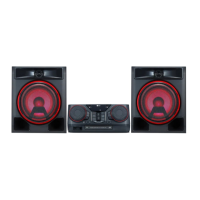
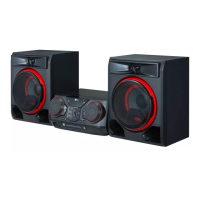
L
R
L
R
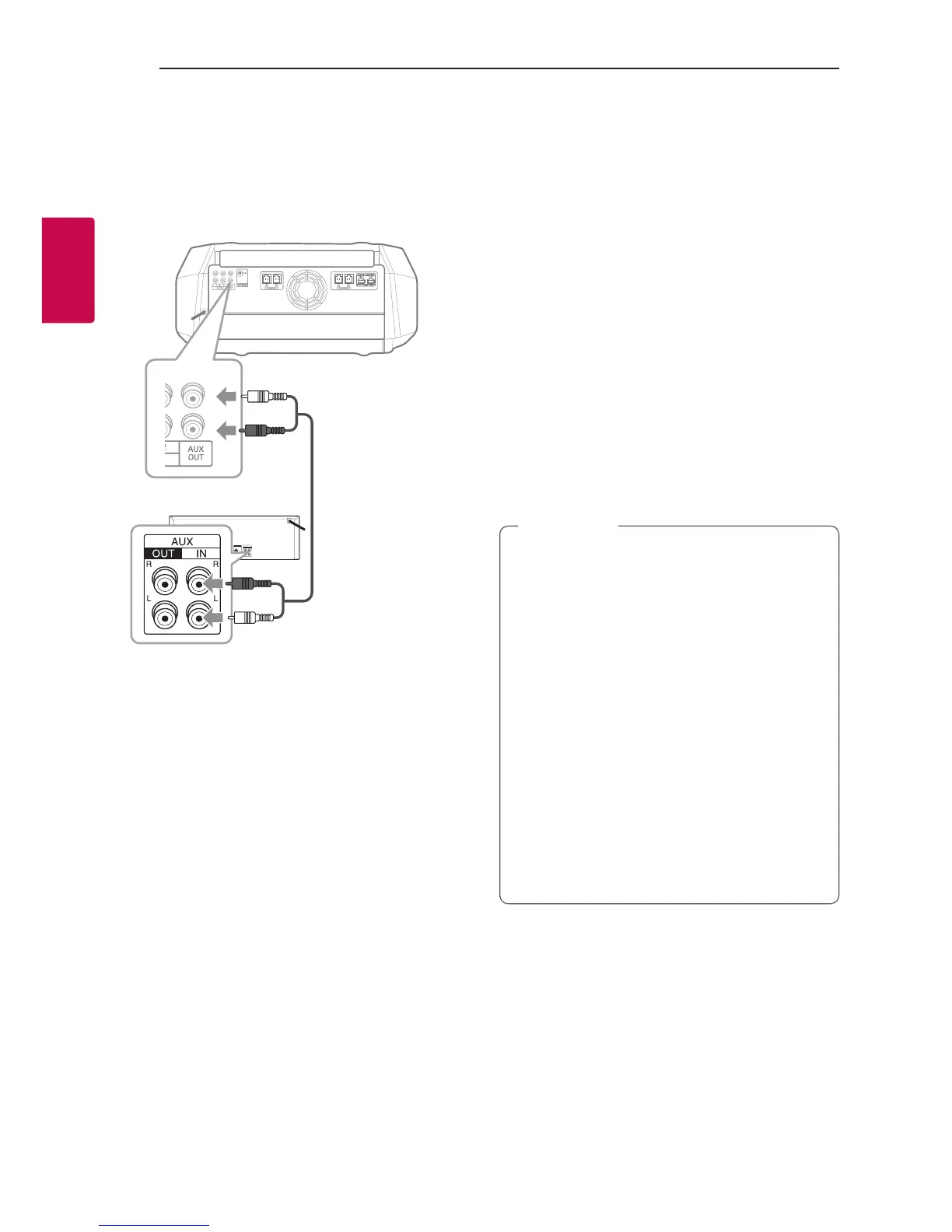
Audio cable
Auxiliary device
PARTY LINK
You can connect two units to play music together.
The name of function about sound expansion
between the compatible products wired or wirelessly
was changed to PARTY LINK or WIRELESS PARTY
LINK.
1. Connect AUX OUT (L/R) connector on a unit to
the AUX IN connector on the other unit using
audio cable.
2. Press and hold
F
connected through AUX OUT
and then select LINK ON.
“LINK ON” appears in the display window and
change to “DELAY time” soon.
3. Press
C
/
V
to adjust delay setting.
When “LINK ON” and “DELAY time” are displayed
in the display window, you can adjust the delay
time.
4. Press
F
to save the delay setting.
y This function is not available on LG TV
function.
y The initial delay is 30 ms. If you want to
change the Delay time, press C
/V. The
connected device’s delay may differ. If Audio
Sync is not matched, adjust delay of PARTY
LINK to synchronize sound.
y It is available to adjust the delay from 0 ms to
200 ms. Synchronizing tempo is not available
depending on the devices.
y Delay value is saved and PARTY LINK is
turned off when the unit turns off.
y You can select LINK ON / LINK OFF mode by
pressing and holding
F.
y In case of the microphone, delay setting is
not applied.
,
Note



 To Next Page