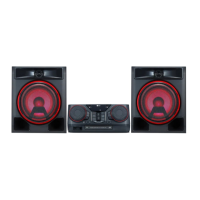
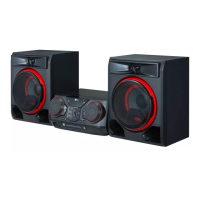
LIGHTING
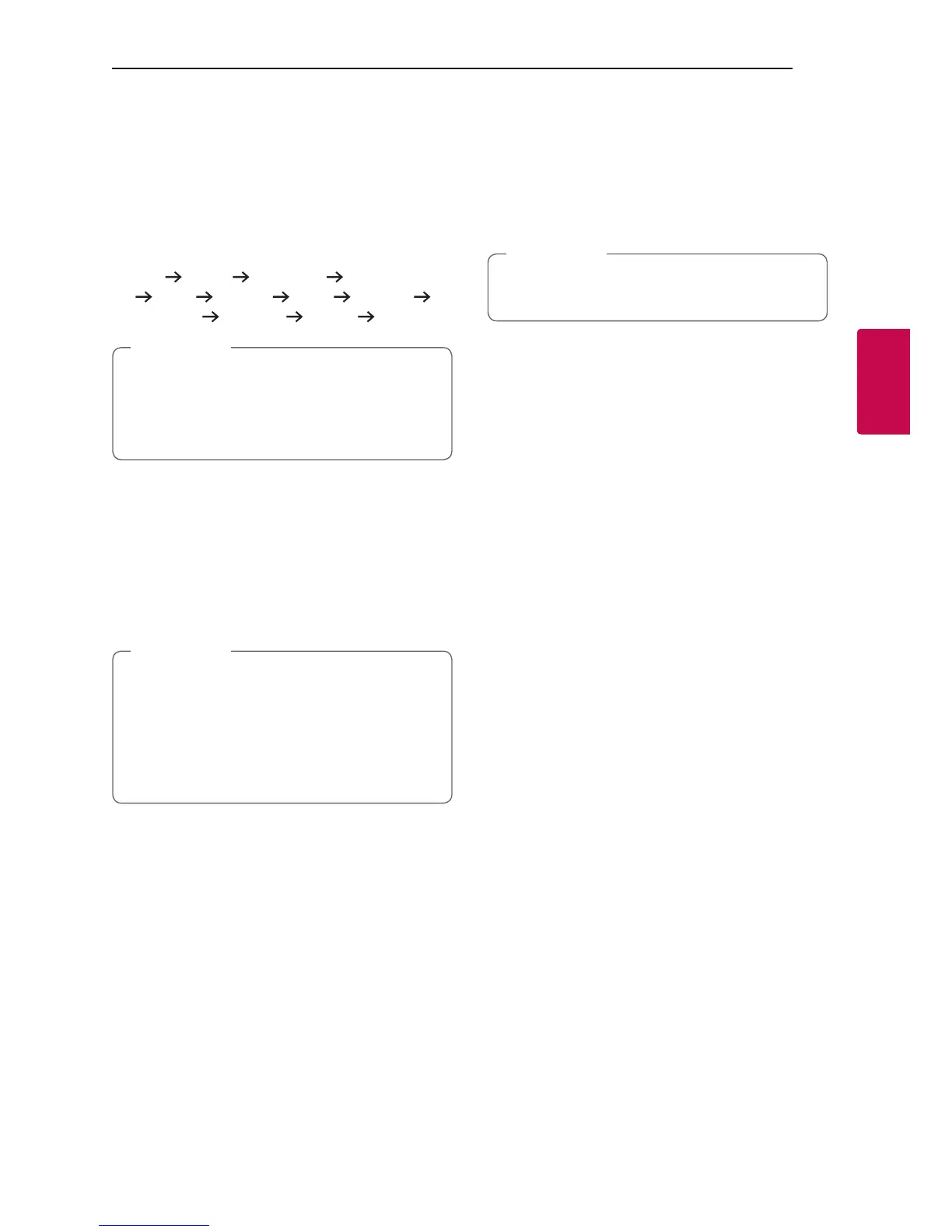
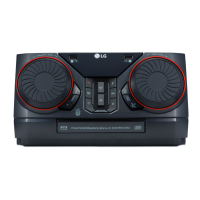
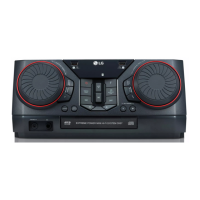
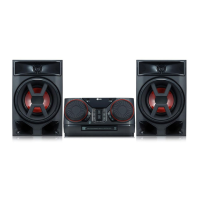
This function offers a party atmosphere by operating
speaker lighting and beat of music.
To select mode, pressing LIGHTING on the unit
repeatedly or pressing LIGHTING on the unit and
then turning DJ SCRATCH / SEARCH & MULTI on
the unit.
OFF
PARTY PEACEFUL ROMANTIC
COOL UPBEAT FIERY EXCITED
DYNAMIC
HEALING SUNNY OFF ...
y Lighting function is available in all functions.
y Lighting mode retains its previous mode
when you rst press LIGHTING on the unit,
press again to change modes.
,
Note
Sleep Timer Setting
Press SLEEP on the remote control repeatedly to
select delay time between 10 and 180 minutes.
After the delay time, the unit will be turned off.
To cancel the sleep function, press SLEEP on the
remote control repeatedly until “SLEEP OFF” appears.
y You can check the remaining time before the
unit is turned off. Press SLEEP on the remote
control to check or change the remaining
time.
y You can edit the remain time when displays
the remaining time or “DIMMER ON”.
,
Note
Dimmer
Press SLEEP on the remote control once.
The display window will be darkened by half.
To cancel it, press SLEEP on the remote control
repeatedly until “OFF” appears.
All the lighting turns off when dimmer is being
operated.
,
Note
Auto power down
This unit will turn itself off to save electricity in the
case were the main unit is not connected to an
external device and is not used for 15 minutes.
The unit will also turn itself off after six hours if the
main unit has been connected to another device
using the analog inputs.
Auto power down function is applied to only MAIN
unit in case of WIRELESS PARTY LINK connection.
In case of OTHER unit, Auto power down is available
after disconnection OTHER unit and MAIN unit.
How to disconnect the wireless
network connection or the wireless
device.
Turn off the unit by pressing the power button for
more than 5 seconds.



 To Next Page