Deleting a file/folder or format
You can delete le, folder on your USB or format the
USB.
1. Select USB function by pressing
F
.
2. Press DELETE on the remote control repeatedly,
the display changes as followings.
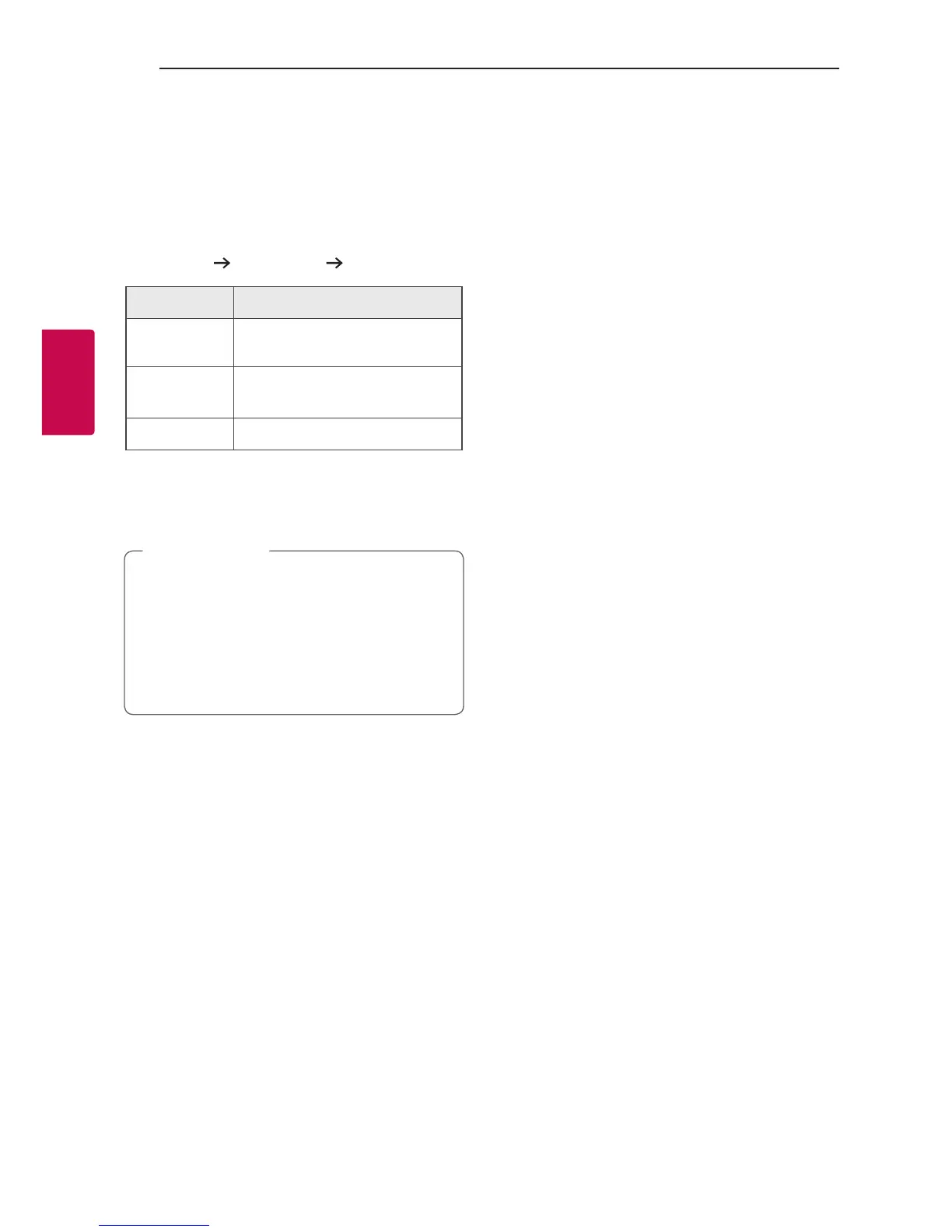
DEL FILE?
DEL FOLDER? FORMAT?
On Display Description
DEL FILE?
Select the le you want to
delete.
DEL FOLDER?
Select the folder you want to
delete.
FORMAT?
Select to format the USB device.
If you want to exit the current mode, press
Z
.
3. To delete file/folder or format, press and hold
DELETE on the remote control.
y Do not extract the USB device during
operation. (play, delete, etc.)
y Regular back up is recommended to prevent
data loss.
y The delete function may not be supported
according to the USB status. (lock, etc.)
>
Caution



 To Next Page