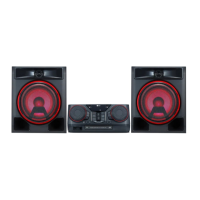
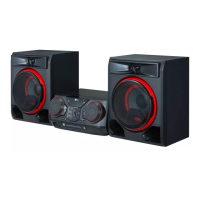
Basic Operations
CD/USB Operations
1. Insert the disc by pressing
B
.
Or connect the USB device to the USB port.
2. Select CD or USB function by pressing
F
.
To Do this
Stop
Press Z.
Playback
Press N.
Pause
Press N during playback.
Searching
for a section
within a track/
le
Press and hold C
/V during
playback and release it at the point
you want to listen to.
Selecting
a track/le
directly
Press 0 to 9 numerical buttons on
the remote control to go to the
desired le or track directly.
Skipping to
the next/
previous
track/le
- In stop status,
Press C
/V to go to the next/
previous track/le.
- During playback,
(1) By using C
/V buttons :
Press V to go to the next track/
le.
Playing in less than 3 seconds,
press C to go to the previous
track/le.
Playing after 3 seconds, press C
to go to the beginning of the track/
le.
(2) By using SEARCH :
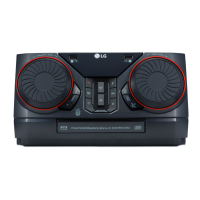
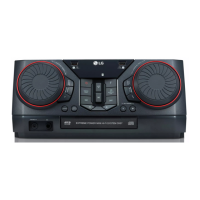
Rotate DJ SCRATCH / SEARCH &
LEVEL on the side 1 of the unit
(or
DJ SCRATCH / SEARCH &
MULTI on the side 2 of the unit)
or C/V and press N to play
the track/le.
Playing
repeatedly or
randomly
Press REPEAT on the remote
control repeatedly. Refer to the
note for details about the display
change.
y Repeat/Shufe playback operates as follows.
On Display Description
OFF
Plays songs in order and stops
the playback.
ONE
Plays a same song repeatedly.
FOLDER
Plays songs in a folder
repeatedly. (Except AUDIO CD)
ALL
Plays all the songs repeatedly.
SHUFFLE
Plays all the songs once
randomly, and stops the
playback.
y When you play JUKE BOX list, only ONE and
ALL are available.
y Even after restarting the unit or switching
one function to another, you can listen to
music from the point where it’s last been
played.
y If you leave the disc tray open for 5 minutes,
it will close automatically.
,
Note



 To Next Page