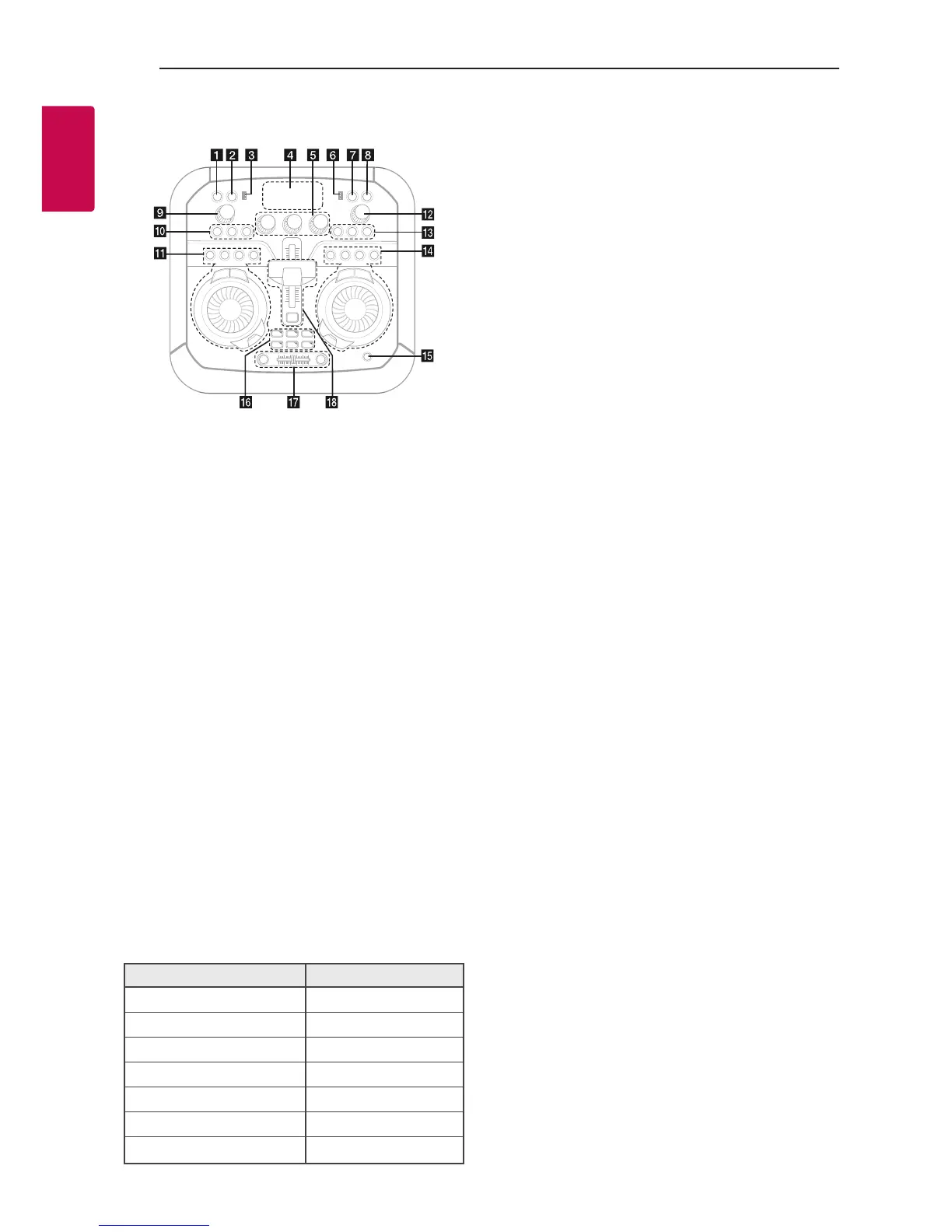
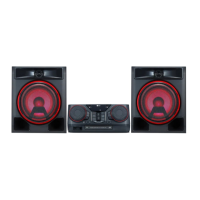
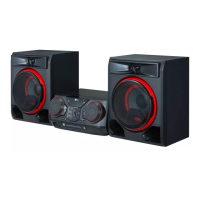
Top panel
a
1
(Standby)
Turns the power on or off.
b
USB REC / DEMO
- Records to USB 1.
- To stop Recording, press and hold for 3 seconds.
- In power off status, if you press USB REC / DEMO,
show DEMO mode.
c
USB 1 Port
You can play sound files by connecting the USB
device.
d
Display window
e
TEMPO A -/+
Adjusts TEMPO in USB 1 function.
MASTER VOL. (Volume) -/+
Adjusts speaker volume.
TEMPO B -/+
Adjusts TEMPO in USB 2 function.
f
USB 2 Port
You can play sound files by connecting the USB
device.
g
F (Function)
- Selects the function and input source.
- Press and hold to select the PARTY LINK.
Input source / Function Display
Disc CD
USB USB 1 / USB 2
AUX input AUX 1 / AUX 2
Portable input PORTABLE
Bluetooth BLUETOOTH
LG Sound Sync (Wireless) LG TV
Radio RADIO (FM)
h
3
WIRELESS LINK
- Selects MAIN or OTHER on WIRELESS PARTY LINK
mode.
- Enable or disable WIRELESS PARTY LINK mode.
i
MIC (Microphone) VOLUME -/+
Adjusts microphone volume.
j
VOCAL EFFECTS
Selects VOCAL EFFECTS mode.
MIC ECHO
Selects ECHO mode.
VOICE CANCELLER
You can reduce the vocal tones during music
playback from various input sources.
k
Side 1 / Basic controls (CD / USB 1 / BLUETOOTH /
RADIO only)
Z
(Stop)
Stops playback or cancels DELETE function.
C
/
V
(Skip/Search)
- Skips backward or forward.
- Searches for a section within a track/file.
- Selects the radio stations.
N
(Play/Pause)
- Starts or pauses playback.
- Selects stereo/mono.
SEARCH
Moves to folder or file in selection mode.
OK
Selects a folder when searching a file.
DJ SCRATCH / SEARCH & LEVEL
- Turns clockwise or counterclockwise to make
scratch sound.
- Turns clockwise or counterclockwise to control the
USER EQ level.
- Searches a folder or a file.
- Adjusts DJ EFFECT level.
- Selects vocal effects.
USER EQ
Selects the sound effect created by your own.
DJ EFFECT
Selects a desired DJ EFFECT.
DJ LOOP
Selects DJ LOOP mode.
(DJ LOOP mode can use during CD/USB playback.)



 To Next Page