73
ENGLISH
Using Audio Out (Line Out)/Wired Headphones
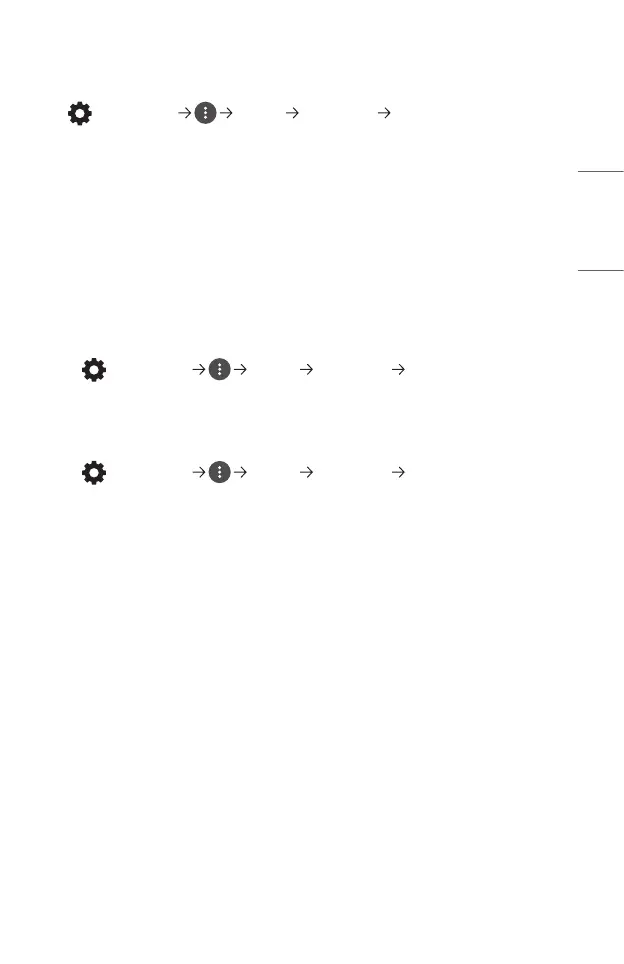
(Q. Settings) [Sound] [Sound Out] [Wired Headphones]
Select [Wired Headphones] to optimize audio output according to the device
connected.
• Some models may support the [Wired Headphones] function only.
• If you connect the wired headphones while the projector is powered on, it
automatically detects the wired headphones and redirects audio through them.
• This feature is only available in certain countries.
Playing audio through the projector’s internal speakers and external audio
device simultaneously
Audio can be played through multiple devices simultaneously.
• Using [Internal Projector Speaker + Optical]
(Q. Settings) [Sound] [Sound Out] [Internal Projector
Speaker + Optical]
- Audio is played through the projector’s built-in speakers and the audio device
connected to the digital optical audio output port simultaneously.
• Using [Internal Projector Speaker + Wired Headphones]
(Q. Settings) [Sound] [Sound Out] [Internal Projector
Speaker + Wired Headphones]
Audio is played through the projector’s internal speakers and the [Wired
Headphones] simultaneously.
- If you connect the wired headphones while the projector is powered on, it
automatically detects the wired headphones and redirects audio through
them.
- This feature is only available in certain countries.


 To Next Page
 Loading...