26
USING THE PROJECTOR
Focus and Position of the
Screen Image
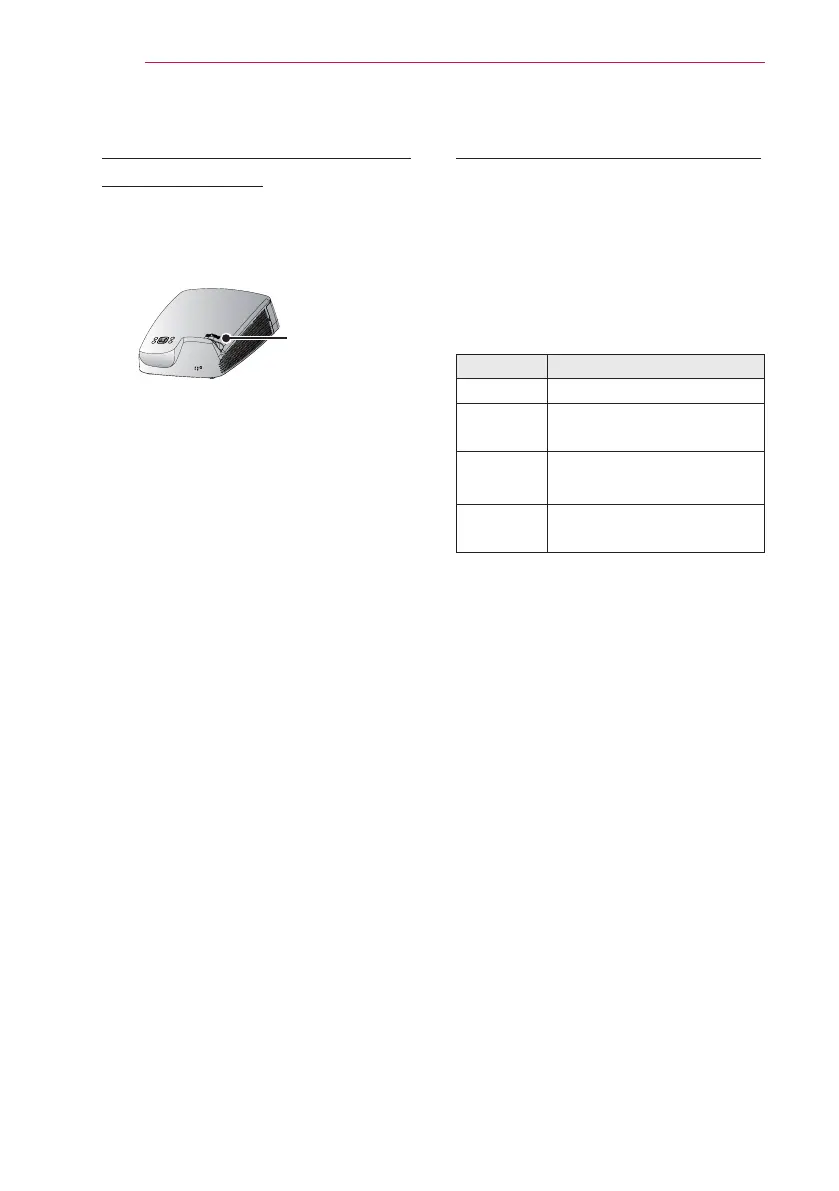
When an image appears on the screen,
check if it is in focus and ts the screen
properly.
Focus Ring
y
To adjust the focus of the image,
rotate the focus ring.
Watching with the Projector
1 In Standby mode, press the POWER
button to turn the projector on.
2 Press the INPUT button and select
the input signal you want.
3 Control the projector using the
following buttons while watching
projec tor.
Button Description
VOL -, + Adjusts the volume level.
MUTE Mutes the sound of the
projector.
Q.MENU Enters the quick menu.
KEY.S
▲, ▼
Adjusts the Keystone
function.
4 To turn the projector off, press the
POWER button.



 To Next Page