64
CUSTOMIZING SETTINGS
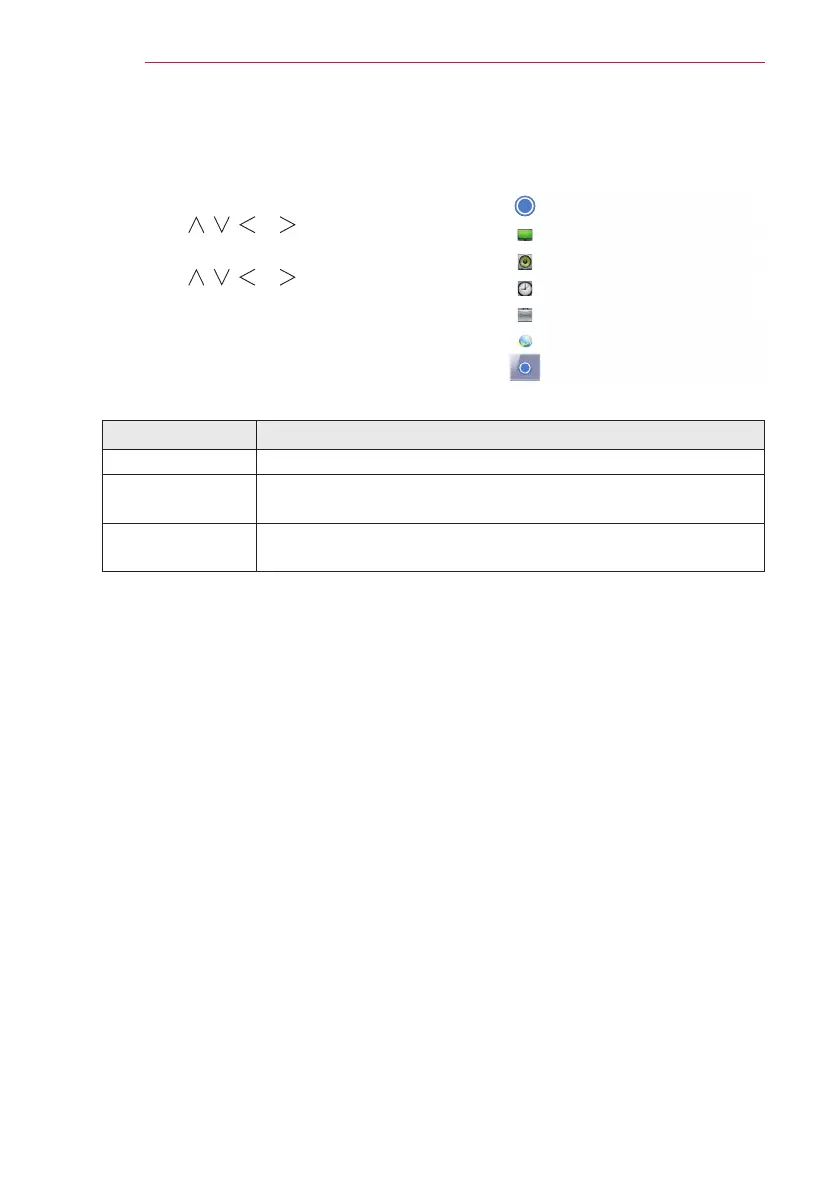
SUPPORT
1 Press the MENU button.
2 Use the , , or button to select SUP-
PORT and press the OK button.
3 Use the , , or button to set up the
desired item and press the OK button.
- To return to the previous menu, press
the ꕣ button.
The available support settings are described below.
Item Description
Software Update Updates to the latest software.
Product/Service
Info.
Shows the product/service information.
Self Diagnosis
Troubleshoots functional problems that can arise while using
the product.
Ͱ
Ͱ
SUPPORT
• Software Update
• Product/Service Info.
• Self Diagnosis


 To Next Page