53
MAGICAL MIRRORING
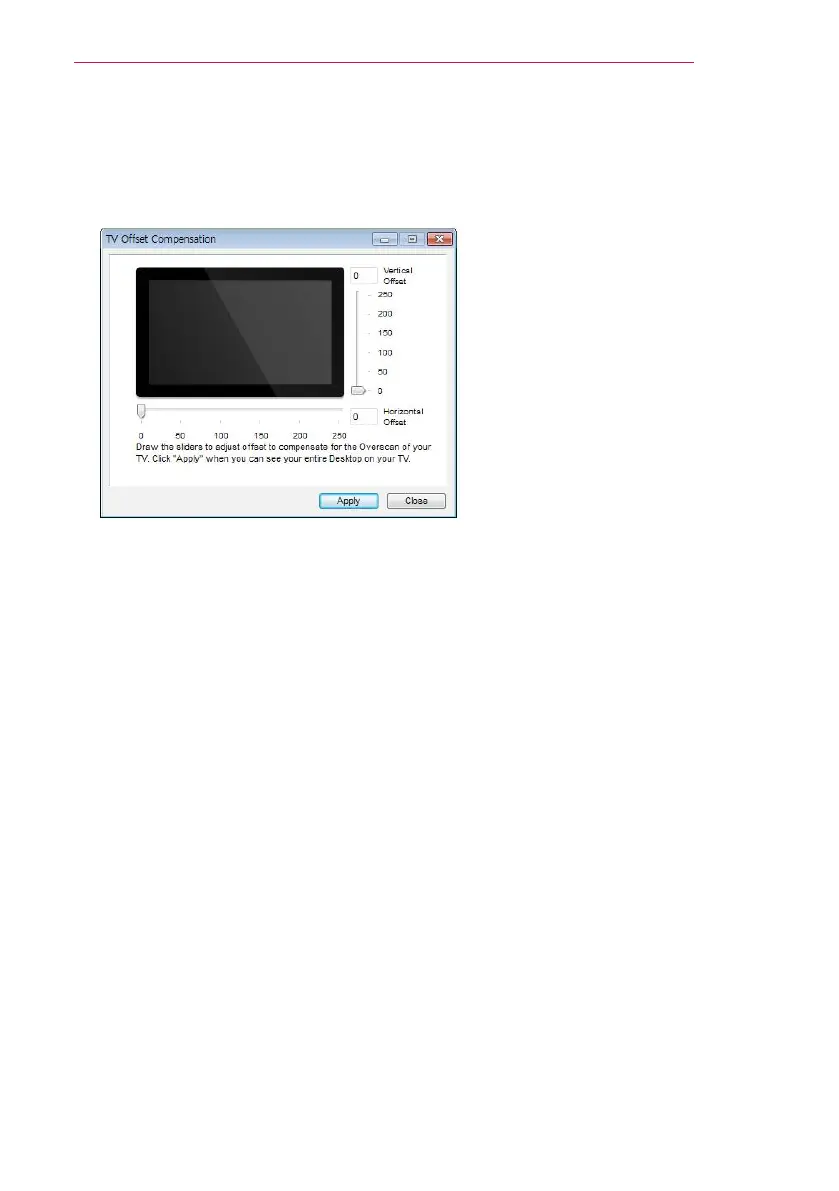
- TV Offset Compensation
y
Select this option to adjust the screen size projected by the projector.
Adjust the
horizontal/vertical offset and click the Apply button.
- Auto Power Management
y
Select this option when running the MirrorOp application on a laptop.
When you choose this option, a Wi-Fi network will provided at an optimum level.
- Auto WiFi Connect
y
When you choose this option, you MirrorOp will automatically connect to the server
and log in.
- Advanced Screen Capture
y
Different PCs have different video output designs. When this option is not selected,
some layers might not be captured, for example if you play a movie using a special
media player. When you play a movie on your pc, and cannot see the picture on the
projector, make sure to choose this option.


 To Next Page