43
SMARTSHARE
Controlling Video Playback
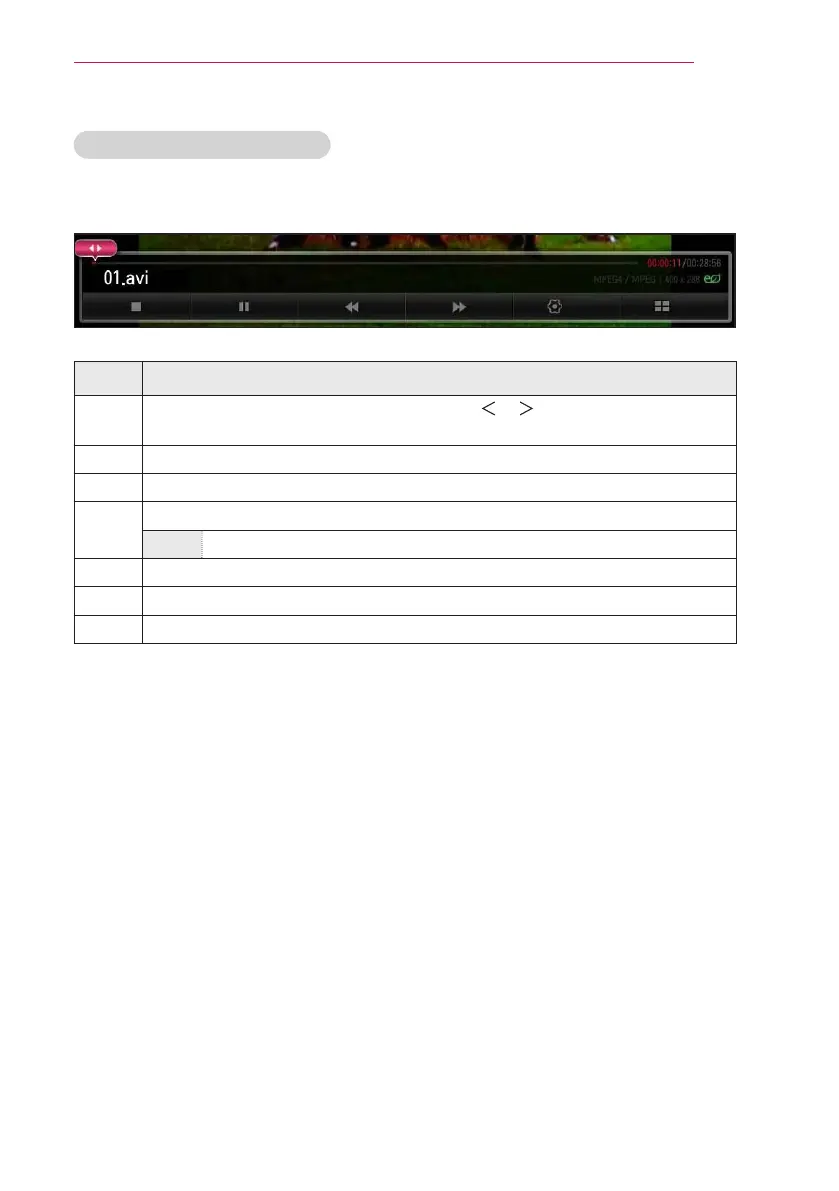
You can control playback using the following buttons.
Option
List
Item Description
◀▶
Shows the current playing position. Use the or button to move forward
or backward.
ꕗ
Stops playing and returns to Movie List.
ꕖ
Resumes normal playback.
ꕘ
Pauses the media player.
ꕘ ꕙ
Displays in slow motion.
ꕎ
Whenever this button is pressed, the playback speed is changed.
Option
Sets the option.
List
Stops the playback and returns to the list.


 To Next Page