Chapter 2: System Overview
Page 6
instrument is ready for operation. Pressing the Power On/Off button when the green image acquisition indicator is lit will
cause the red error condition indicator to illuminate. This is just a warning that the instrument is in use.
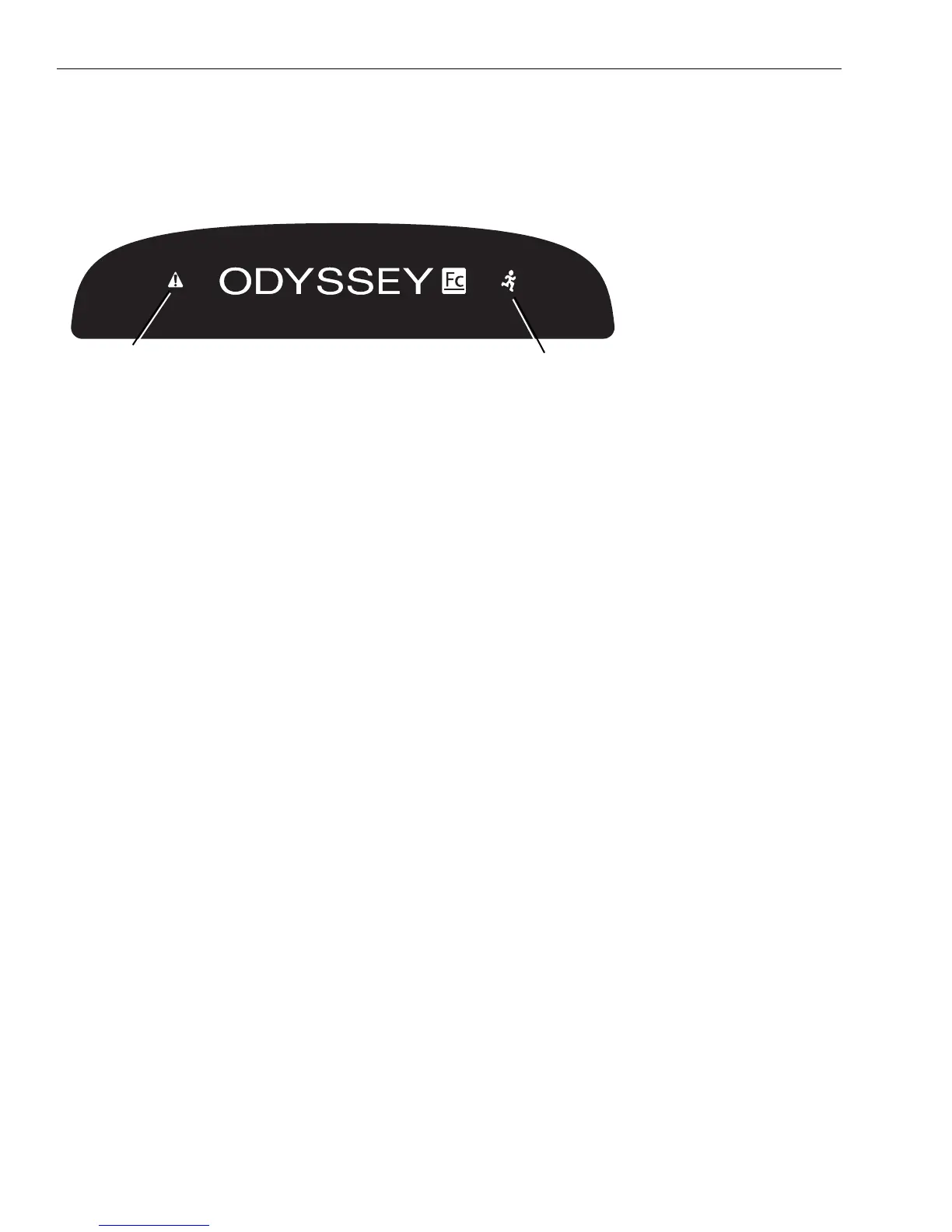
Green Image Acquisition Indicator: This indicator light blinks during image acquisition and is continuously on at other
times, as long as communication with the Image Studio software is maintained. The indicator light is off only if commu-
nication is lost or the Image Studio software is closed or the instrument is powered off.
Red Error Indicator: The error indicator light illuminates when a particular process could not be completed. If the
imaging drawer button is pressed before an acquisition is complete, for example, the error indicator illuminates. See
instrument diagnostic log in the Image Studio software for details of what error occurred. See Chapter 3, Maintenance.
Imaging Drawer Button: This button opens and closes the imaging drawer in normal operation. The drawer front can
be used to open or close the drawer in cases of power loss. Pressing the Imaging Drawer button when the green image
acquisition indicator is lit will cause the red error condition indicator to illuminate. This is just a warning that the
instrument is in use.
Imaging Drawer: The imaging drawer moves the imaging tray into position under the camera for imaging. The bottom
of the imaging tray has a marker in each corner that indicates the edge of the camera’s field of view.
Figure 2-2. Location of the
green image acquisition light
and red error light.
Green image acquisition indicator
Red error indicator


 To Next Page