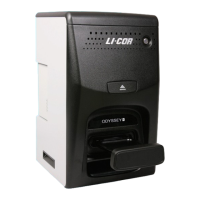
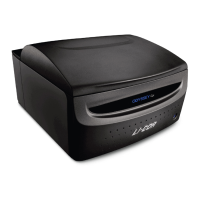
Odyssey
®
Fc Imager
Page 11
www.licor.com/bio
Computer Connections and Networking
Note: Use only the supplied Cat. 5 RJ45 ethernet cable to connect the Odyssey Fc Imager and computer. The ethernet
ports on the Odyssey
®
Fc Imager are both Auto-MDIX, so a cross-over cable is not needed.
When Image Studio software starts, it searches for and discovers any Odyssey Fc Imagers automatically. If only one
instrument is found, Image Studio software establishes communication. If more than one instrument is found, the user is
presented with a list of instruments and asked which to use.
Image Studio Software
Learning the Software
The Odyssey Fc Tutorial Manual demonstrates basic functions of the software. Each part of the user interface (button,
etc.) has an extensive tool tip associated with it that can be invoked by hovering the mouse over the feature on the user
interface. A more comprehensive review of acquiring images as well as analysis functions can be found in the Image
Studio software Help system.


 To Next Page