Page 5
www.licor.com/bio
External Panels and Controls
Front Panel
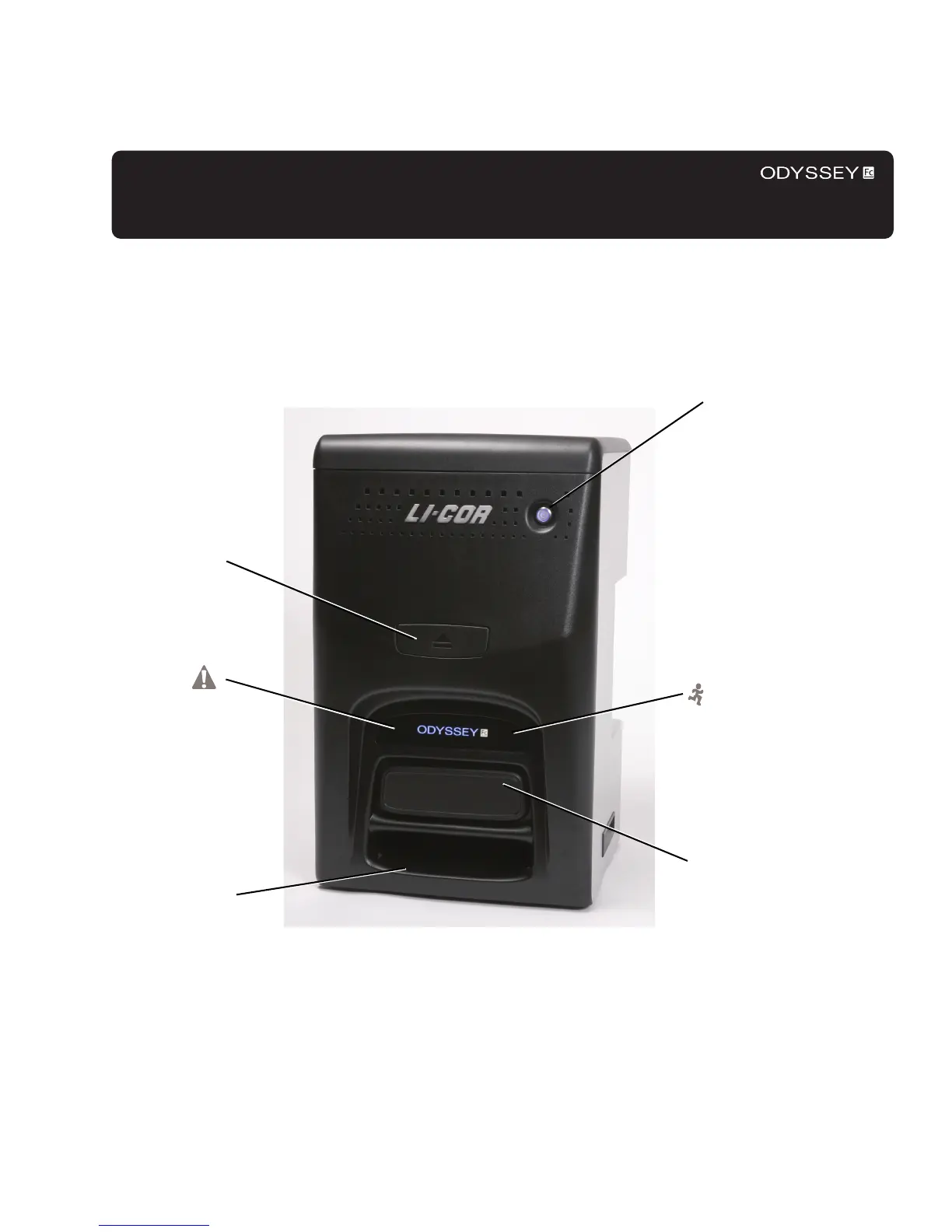
Power On/Off Switch: Pressing this switch momentarily turns the instrument on and off. Pressing the switch for 5
seconds or more cuts power to the instrument (Chapter 3). While the instrument is performing its startup or shutdown
procedure, the blue indicator light in the power switch blinks. When the blue indicator light is continuously on, the
Power on/off button
Imaging drawer
open/close button
Imaging drawer
(closed)
Red error
condition
indicator
(shown unlit)
Green image acquisition
indicator (shown unlit)
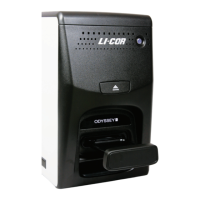
Figure 2-1. Front panel features and controls of the Odyssey
®
Fc Imager.
Imaging tray storage
shelf


 To Next Page