Chapter 2: System Overview
Page 8
Imaging Drawer
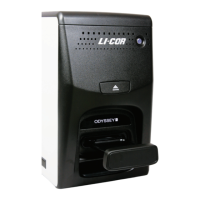
The imaging drawer is opened and closed by pressing the large button above the drawer (Figure 2-1).
Imaging Drawer Safety
Be careful not to get your fingers caught between the Odyssey
®
Fc instrument and the imaging drawer when the drawer
closes. The drawer is specially designed to stop when a certain level of resistance is detected, so no harm should result,
but the experience may be startling.
During an unexpected power loss, the drawer button will not function. This may leave a sample inside the Odyssey Fc
Imager, or it may result in the imaging drawer being left partially open or closed. If the power remains off, the drawer can
be opened or closed by pulling or pushing on the drawer front. The imaging drawer should resume normal operation once
power is restored.
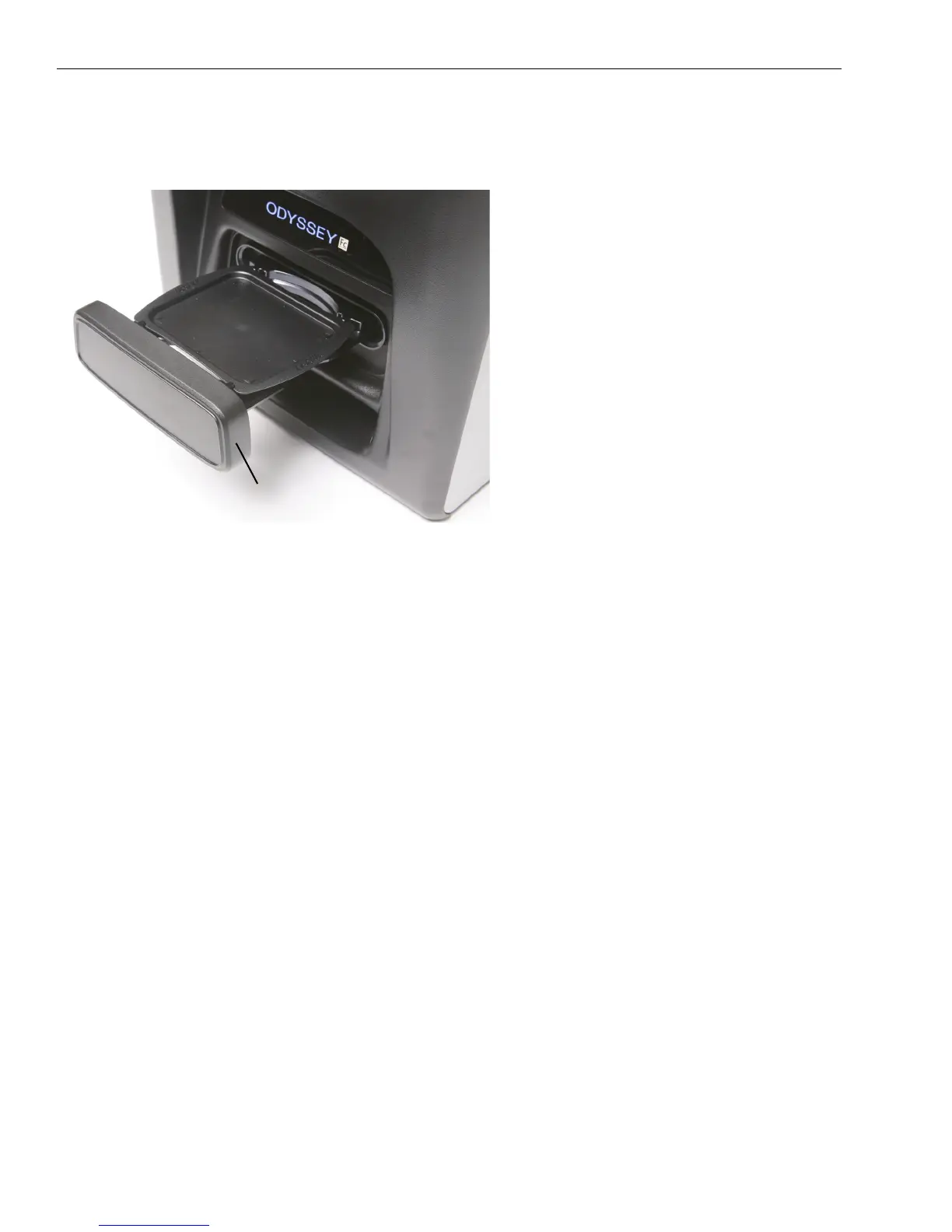
Figure 2-5. The imaging drawer holds one imaging
tray that is capable of containing one membrane or
gel up to 10 x 12 cm.
Imaging drawer
(open)
Imaging tray


 To Next Page