LS9 User Guide
Libre Wireless Technologies User Guide : LS9 / LS9AD, Ver. 5.3 Page 33 of 75
Libre Confidential
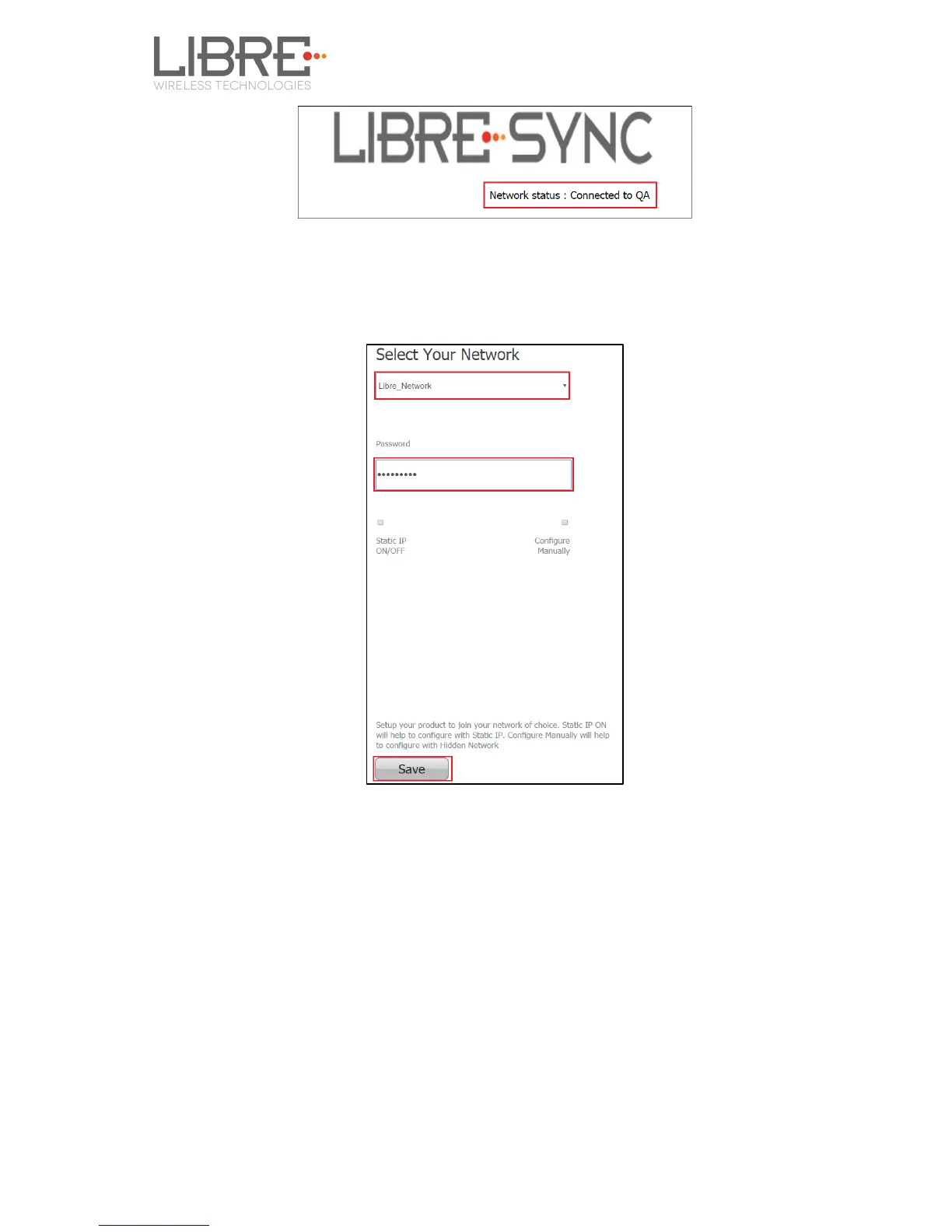
Step 3. In Select Your Network section, Select the Access Point (AP) to be
connected, from Select your Network drop-down list and Click Save
End --
You can also connect the device to the network of your choice by setting the Static IP for
the device from the device web page.
Static IP address is a known IP address pre-allocated to the device. Static IP does not
change and the device will have the same IP always.
Step 1. Select the Access Point from Select Your Network drop-down list.
Step 2. Enable Static IP ON / OFF settings.



 To Next Page