10
Lifeloc FC10
www.Lifeloc.com | 303-431-9500
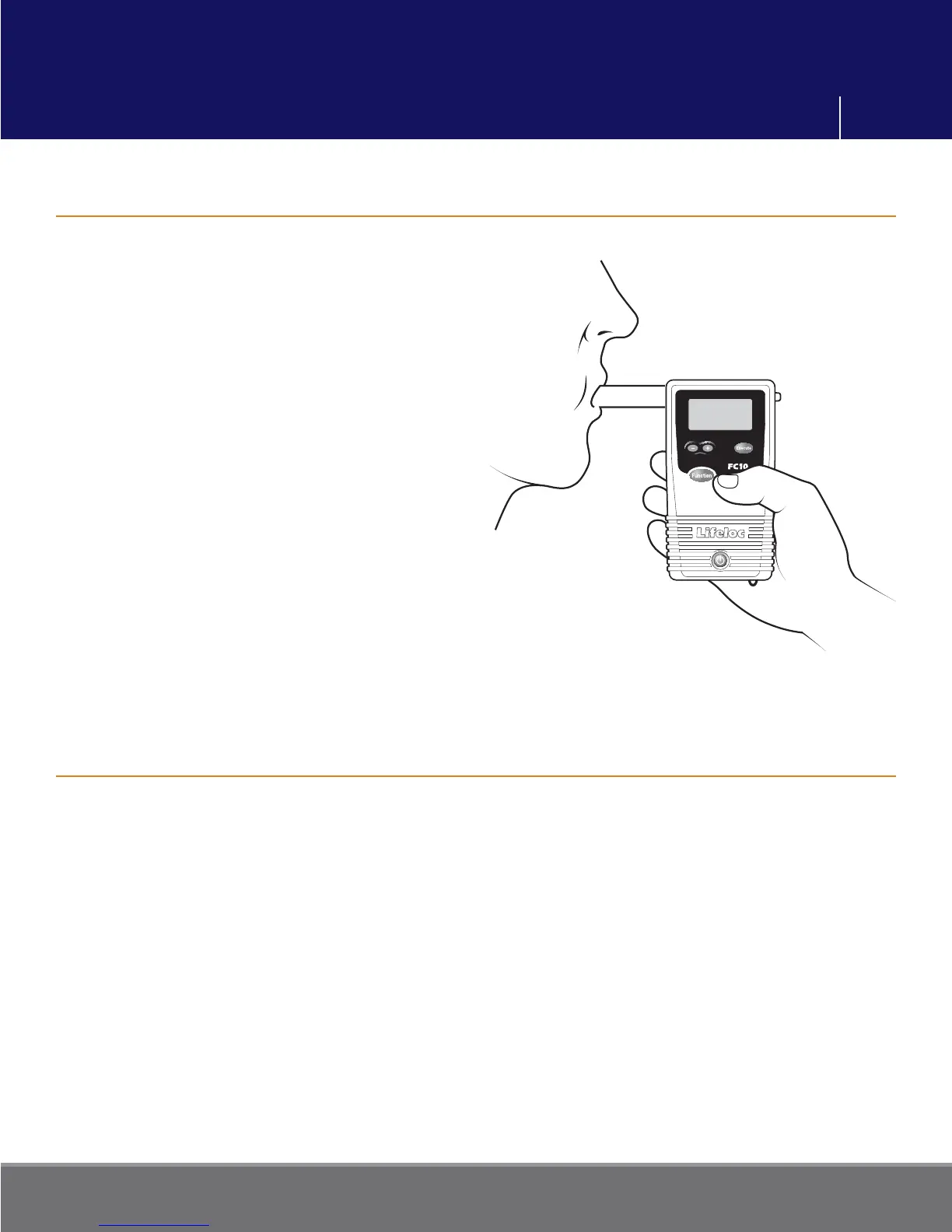
Conducting an Automatic Test
Manual Override during an Automatic Test
Turn the FC10 on.
Verify the display reads “AUTO TEST.”
Attach the mouthpiece to the back of the
unit.
Instruct subject to blow into the
mouthpiece fi rmly and steadily for as long
as they can. (But not necessarily as hard
as they can.) The unit calculates volume
and will give an error message if the
subject cannot reach 1.3 liters.
Read the result.
After taking a test, the FC10 will display
the results in large numbers on the display.
Press the Function button to return to the
test mode.
Note: This feature allows the completion of a test in the occasional instance when the
subject may have diminished lung capacity and cannot activate the Auto Test.
Turn the FC10 on.
Attach a mouthpiece to the back of the unit and verify the display reads “AUTO TEST”.
Instruct the subject to blow into the mouthpiece fi rmly and steadily for as long as they
can.
When they are near the end of their breath, press the Execute button.
Read the result.
Breath Testing Modes



 To Next Page