16
Lifeloc FC10
www.Lifeloc.com | 303-431-9500
Selecting the Standard Type
Wet Bath Simulator Set-Up
For Calibration & Calibration Check
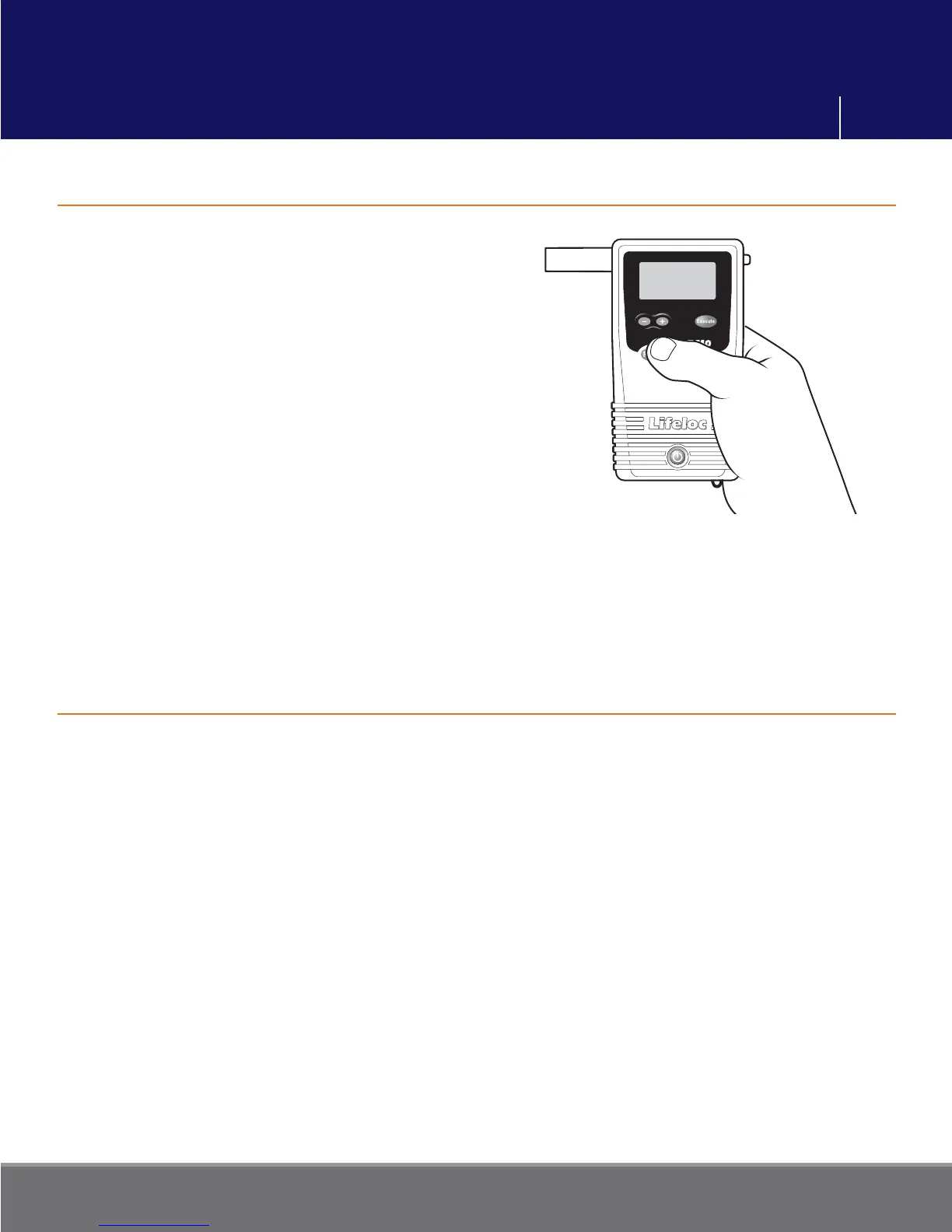
Press the Function button until display reads
“CALIBRATION”.
Press the Execute button. The display reads
either “WET CHECK” or “DRY CHECK”.
Press the Function button until display reads
“CAL SETTINGS”.
Press the Execute button. The display reads
“CAL STANDARD”.
Press the Function button until display reads
“STANDARD TYPE”.
Press the Execute button to choose between
“DRY GAS” and “WET BATH”.
Press the Function button to save settings. Momentarily press Power to return to the
testing mode.
Standard Type
Wet Bath
Change
Pour a bottle of certifi ed alcohol solution into the simulator jar and hand tighten lid.
Connect long tube from input port to output port so no alcohol escapes while simulator
heats up.
Plug in the simulator and turn it on.
The simulator automatically heats the solution to 34° C (93.2° F) in about 5 to 10 minutes.
Proper operating temperature is important for accuracy so be certain to check
temperature before proceeding.
Calibration Settings



 To Next Page