11
Lifeloc FC10
www.Lifeloc.com | 303-431-9500
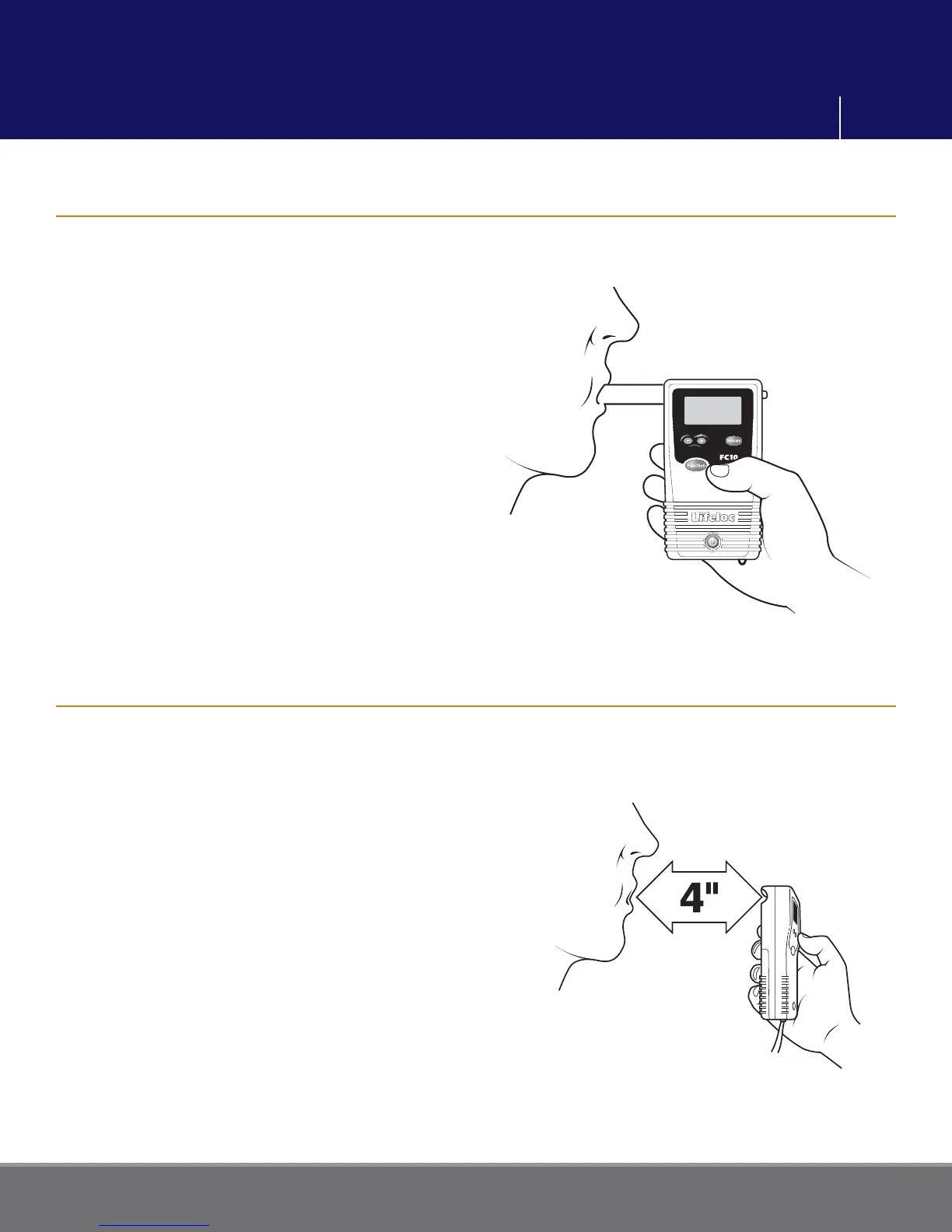
Conducting a Manual Test
Conducting a Passive Test (No Mouthpiece)
Turn the FC10 on.
Attach the mouthpiece to the back of the
unit.
Press the Function button until the display
reads “MANUAL TEST”.
Instruct the subject to blow into the
mouthpiece fi rmly and steadily for as long
as they can.
When they are near the end of their
breath, press the Execute button.
Read the result.
Please note: manual test mode is pressure
activated. If the subject does not blow air
into the mouthpiece, the test can not be
conducted.
Turn the FC10 on.
Press the Function button, if necessary,
until the display reads “PASSIVE TEST.”
Hold the FC10
sample port (orange-
colored opening labeled “Port” on the
back of the FC10) about 4 inches from the
subject’s mouth.
Have the subject blow toward the port.
Press the Execute button while the subject
is blowing.
Read the result. The unit will only display
“POS” or “NEG.” It will not display the
actual numerical result.
Note: A passive test can also be done over
an open container to detect the presence
of alcohol.
Breath Testing Modes



 To Next Page