19
Lifeloc FC10
www.Lifeloc.com | 303-431-9500
Dry Gas Tank Set-Up
Performing a Dry Gas Calibration
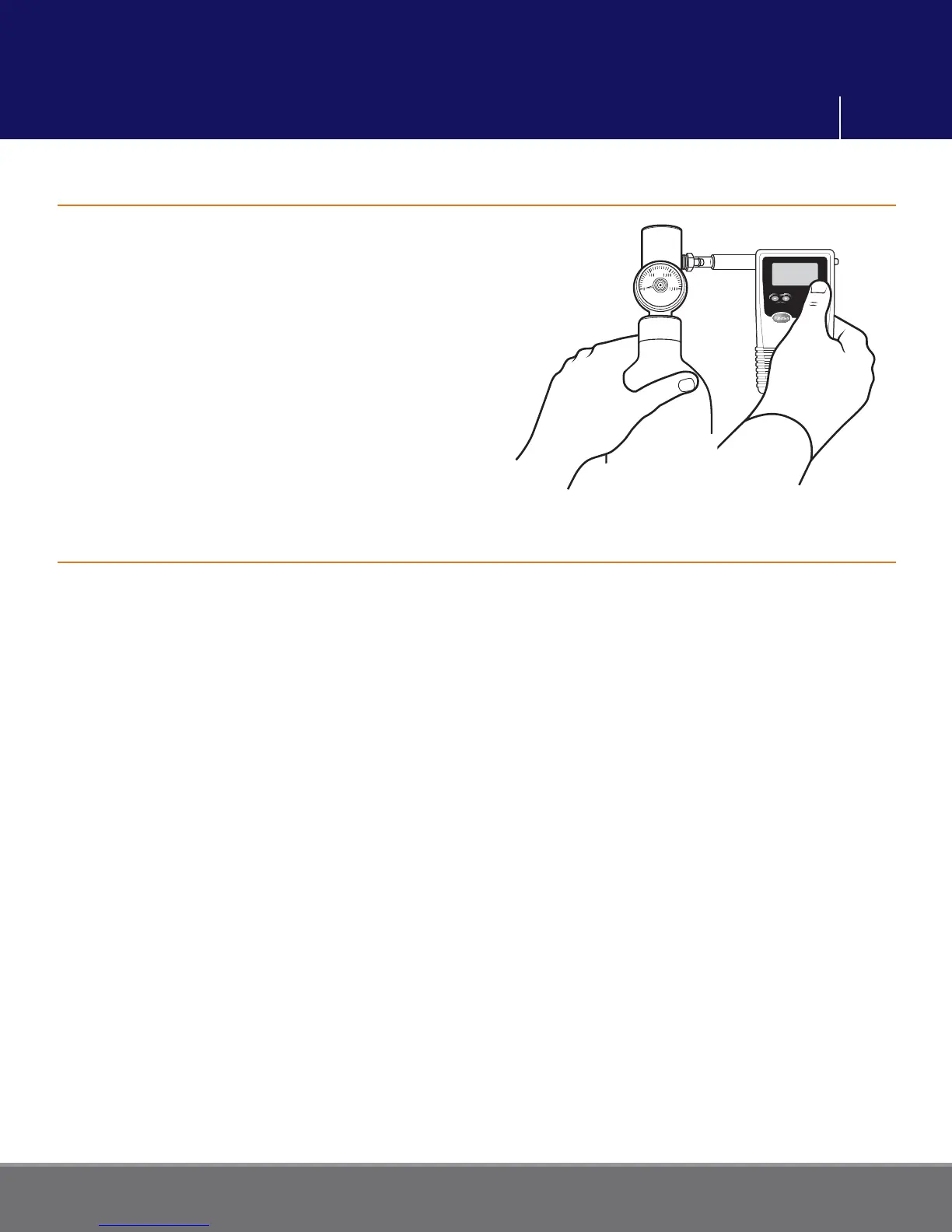
Attach the regulator to the dry gas tank.
Attach the small tube to the output port
on the regulator.
Securely fi t the mouthpiece adaptor to the
small tube on the regulator.
Note: Do not store the dry gas tank with
the regulator attached. The regulator
is not designed as the primary sealing
mechanism. Leaving the regulator
attached may result in a leak.
Prepare the dry gas tank according to its instructions above.
Turn FC10 on. Attach a mouthpiece to the back of the unit.
Press the Function button until the display reads “CALIBRATION”.
Press the Execute button. Display reads “DRY CHECK”.
Press the Function button until the display reads “DRY CALIBRATE”.
Verify the Calibration Standard is set to the corrected BAC.
Using the Altitude Correction Factor (ACF) chart on the dry gas tank, calculate the
corrected BAC.
Corrected Standard = (tank BAC) x (ACF)
To select a new Calibration Standard, see page 16.
Attach the FC10 mouthpiece to the regulator by sliding it over the mouthpiece adaptor,
ensuring a snug fi t.
Be prepared to press the Gas Tank Regulator button for up to 10 seconds.
Start pressing (gas fl ow will start)
• Press the Execute button on FC to proceed and start a 3 second countdown.
• Press the Execute button again to take a sample.
• Continue holding the Regulator button for another 3 seconds.
Stop pressing (gas fl ow will stop)
Dry Gas Calibration



 To Next Page