7
Lifeloc FC10
www.Lifeloc.com | 303-431-9500
Installing Batteries
Turning the FC On and Off
Press in and down on the battery door located on the back of the FC10.
Install the four AA Alkaline batteries in the direction of the symbols in the battery case.
Close the case by pushing up on the battery door until it locks shut.
See page 21 for directions on using rechargeable batteries.
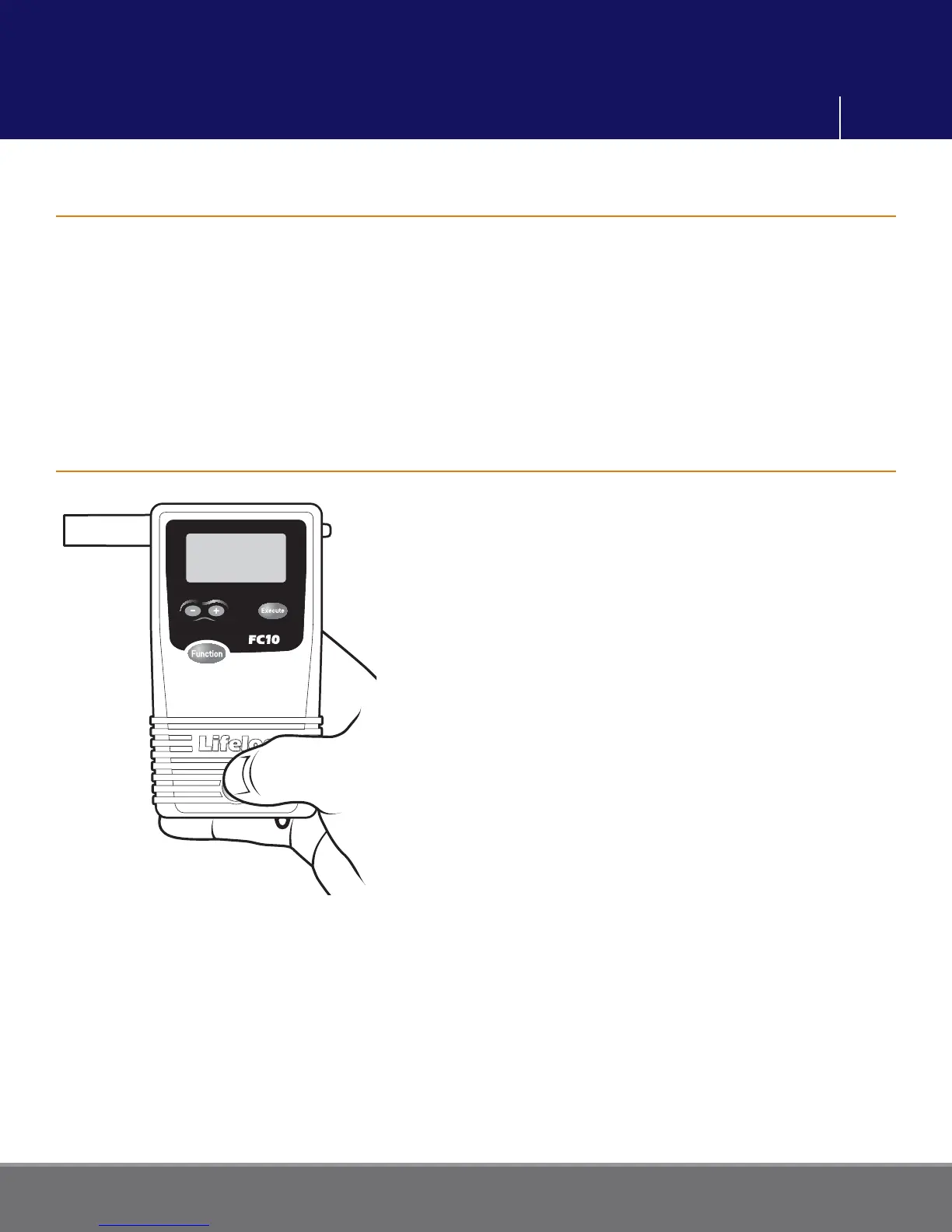
Press and hold the Power button on the bottom
of the front of the unit until it beeps. The FC10
performs an automatic internal diagnostics
check.
To turn the unit off, press and hold the Power
button until it beeps twice. The unit will shut
down.
Note: Momentarily pressing the Power button,
when the unit is on, will return you to the main
menu.
Preparation



 To Next Page